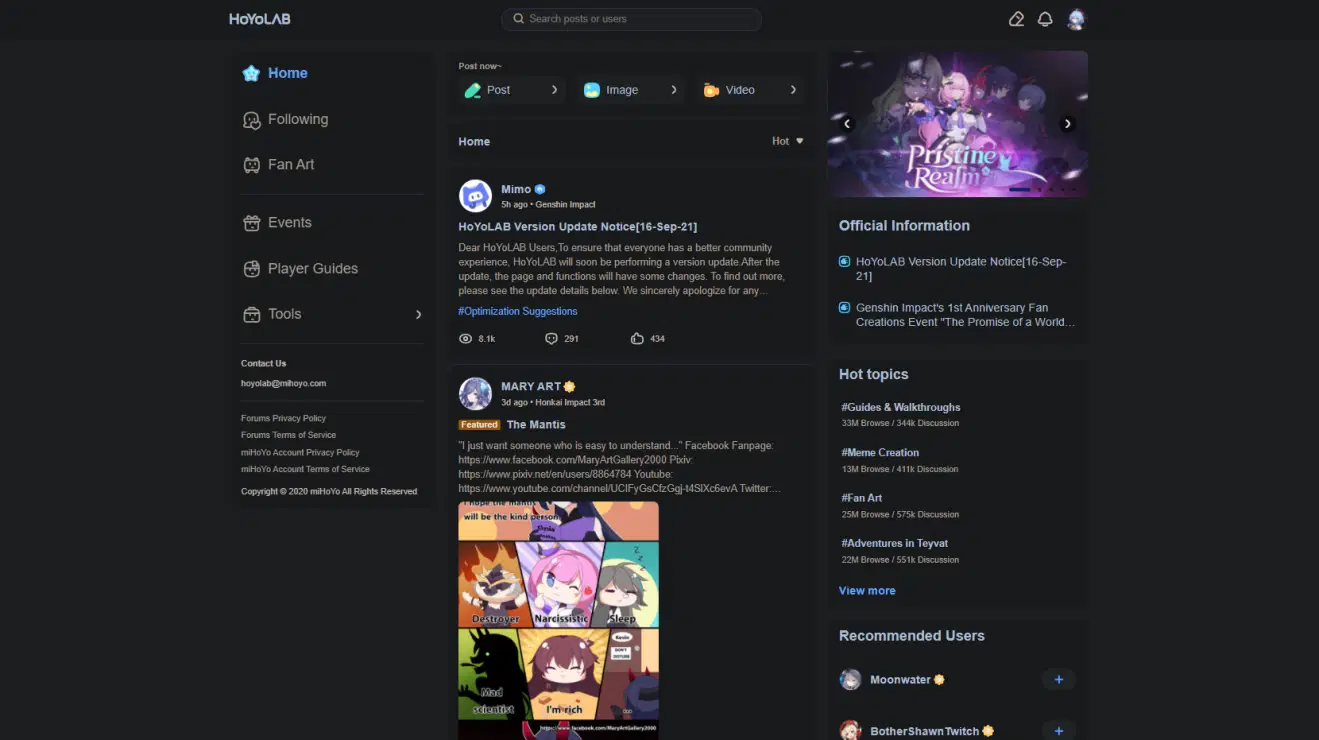
Part FR
Merci d'utiliser celui du site quand l'option thème sombre sera disponible dans les prochaines mises à jour à venir.
Voici comment mettre le thème sombre sur la nouvelle interface HoYoLAB.
Télécharger Dark reader en extension.
Lien : https://chrome.google.com/webstore/detail/dark-reader/eimadpbcbfnmbkopoojfekhnkhdbieeh?hl=fr
Une fois fais, allez dans les options de l'extension.
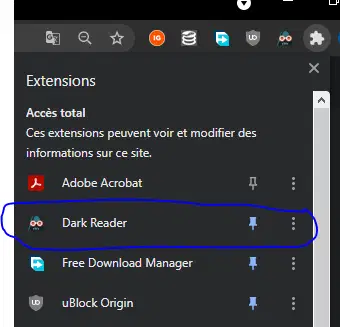
La page de l'extension s'ouvre et il faut ensuite se rendre dans "Liste de sites." pour passer à la configuration.
Ensuite Il faut cliquer dans "Uniquement inversé" et ajouté "www.hoyolab.com", comme ça seul le forum sera en thème sombre.
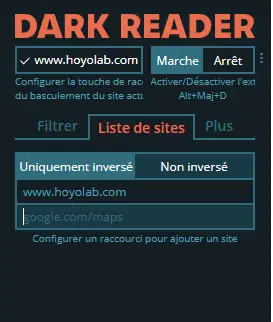
Le "Non inversé" applique le thème sombre sur tous les sites.
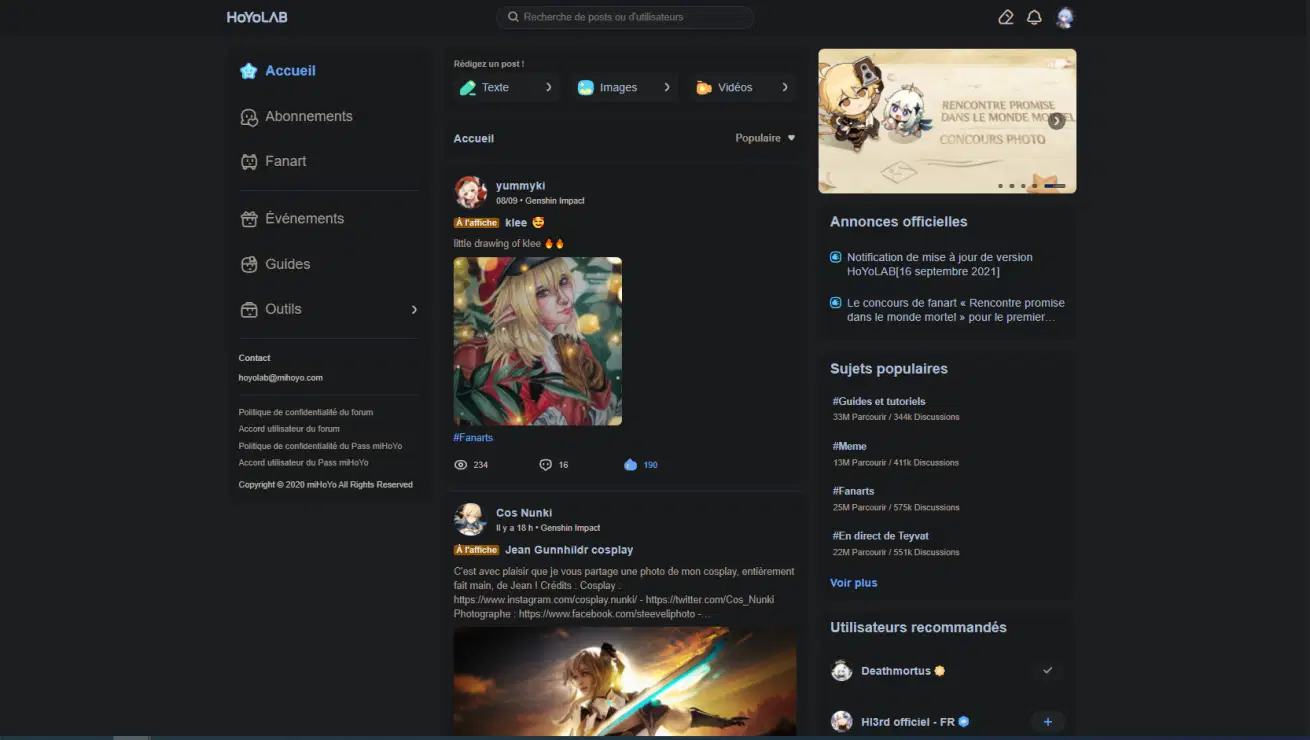
Á la fin cela doit donner ceci :

Part EN
Please use the one on the site when the dark theme option will be available in the next updates.
Here is how to put the dark theme on the new hoyolab interface.
Download the Dark Reader as an extension.
Link
: https://chrome.google.com/webstore/detail/dark-reader/eimadpbcbfnmbkopoojfekhnkhdbieeh?hl=en
Once this is done, go to the extension options.
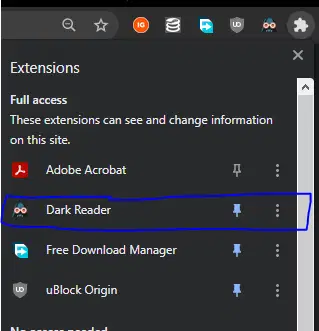
The extension page opens, and you have to go to "Site List."
Then you have to click on "invert listed only" and add www.hoyolab.com. Only the forum will be in a dark theme.
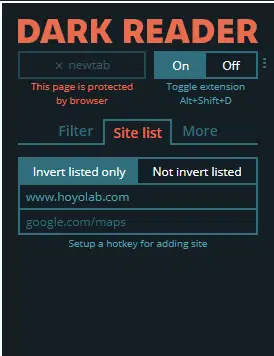
The Not invert listed applies the dark theme to all sites.
In the end it should look like this.