Hello Travelers~
The new HoYoLAB Genshin Impact tool "Lineup Simulator" is now available!
What is the Lineup Simulator?
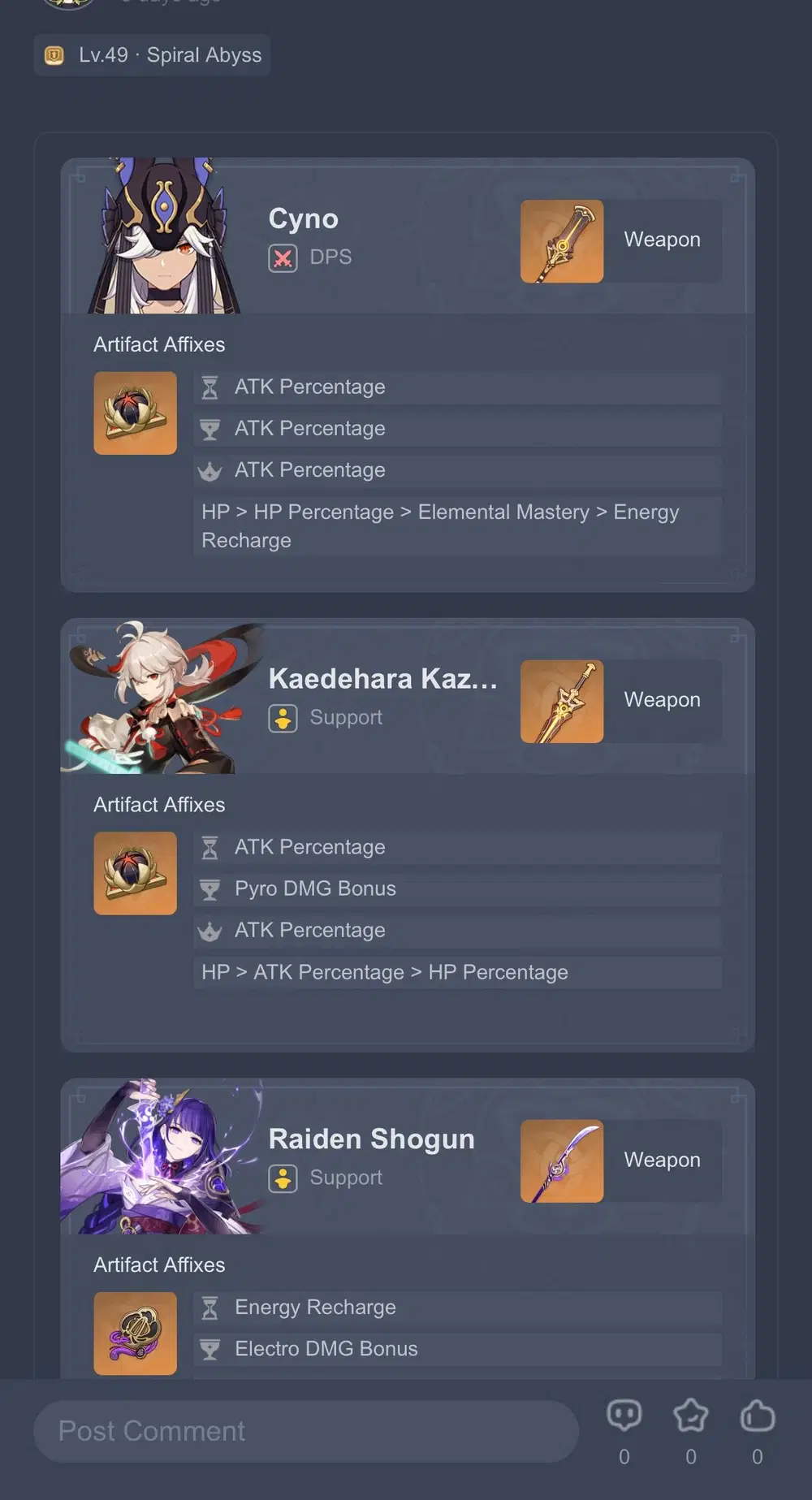
In "Lineup Simulator," Travelers can share their party composition, weapons, and artifacts used. They can also filter and view the lineups shared by other Travelers based on their desired scenarios (Spiral Abyss, Domain challenges, etc.).
How do I access the Lineup Simulator?
In the HoYoLAB App, click Interest Group > Genshin Impact > Lineup Simulator, or click on the link below:
>>> Click to Access Lineup Simulator <<<
How do I use the Lineup Simulator?
1. Publishing Lineups
Publishing Criteria: Reach Adventure Rank of 55 or above, or Become a Certified Guide Creator of HoYoLAB.
Publishing Process:
(1) In Lineup Simulator, click the + button as shown below.

(2) Select the type of lineup.
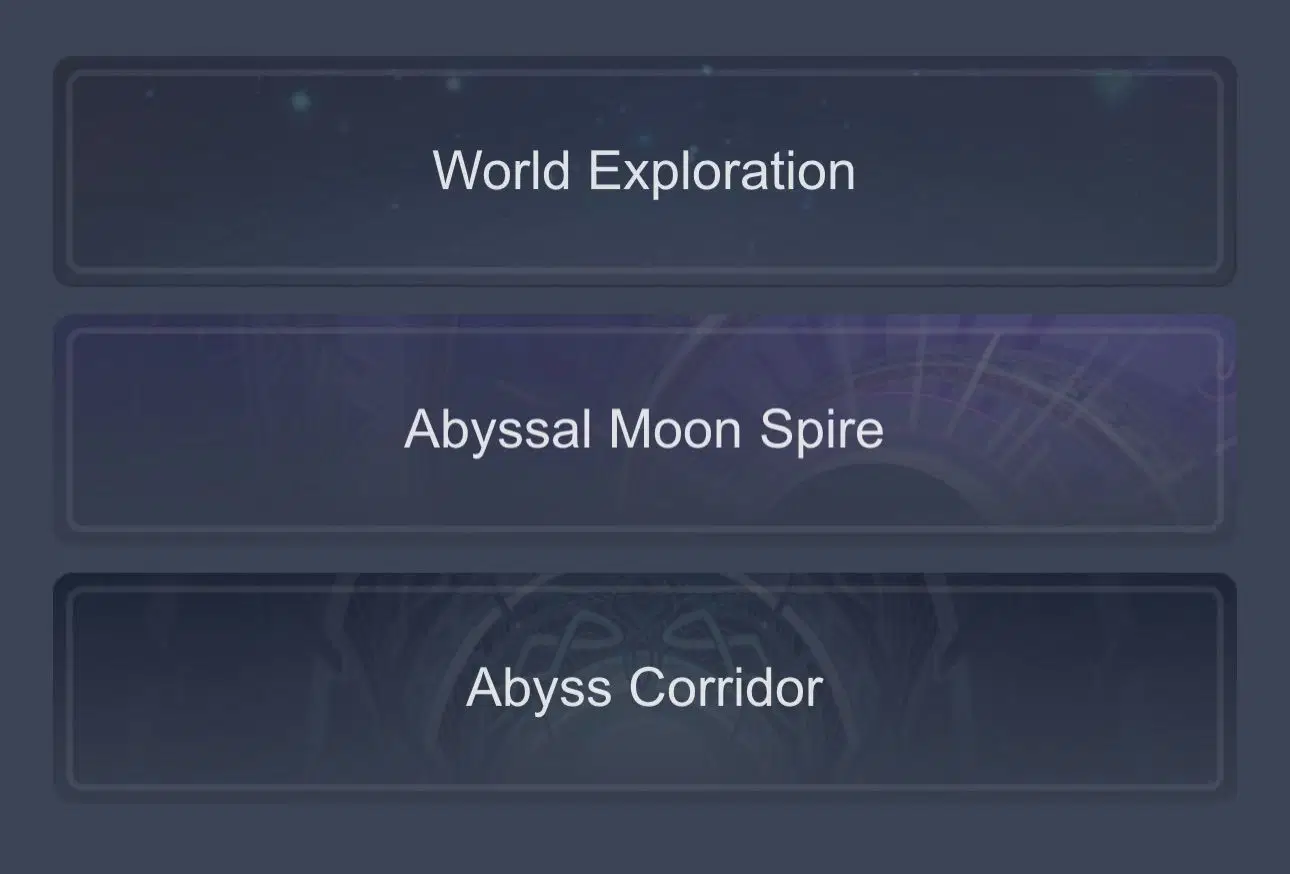
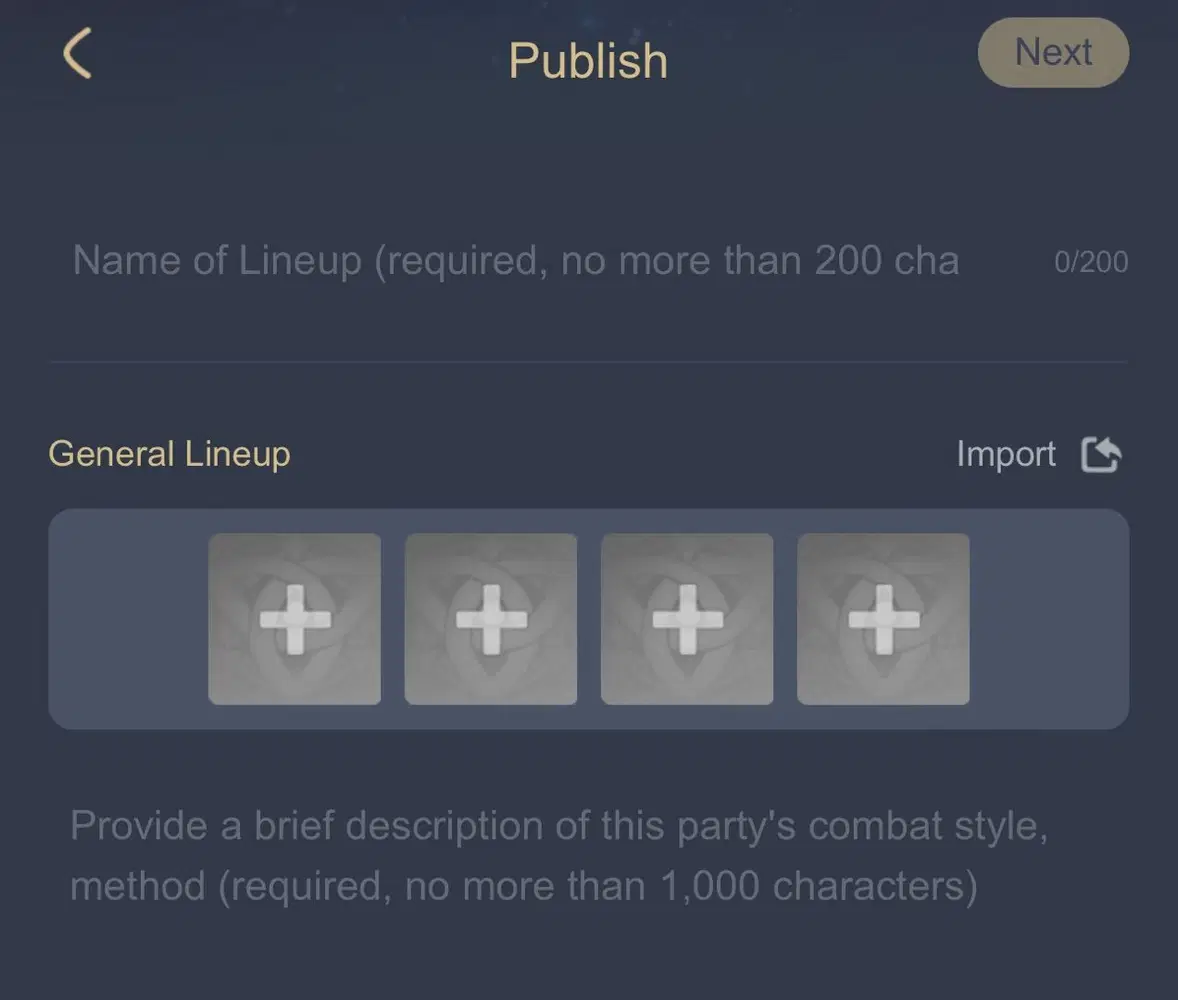
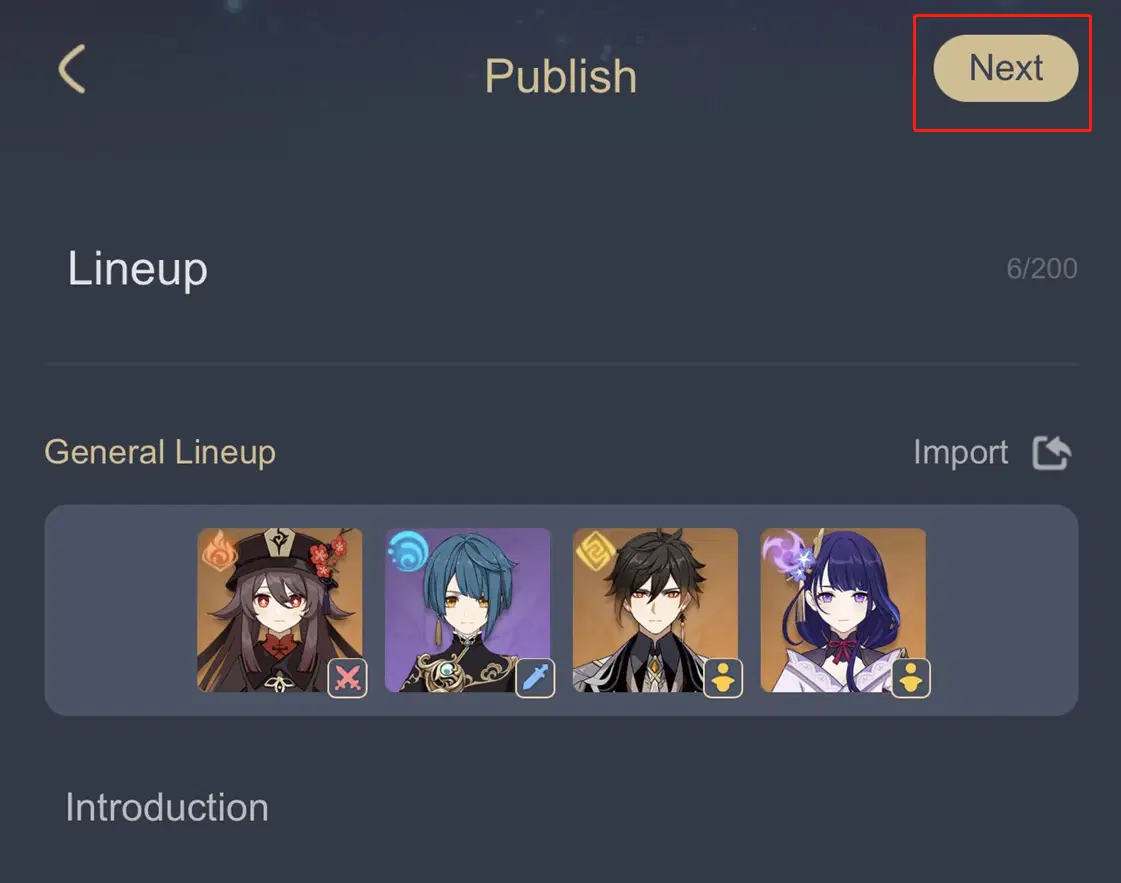
(3) Enter title, description, and add the characters
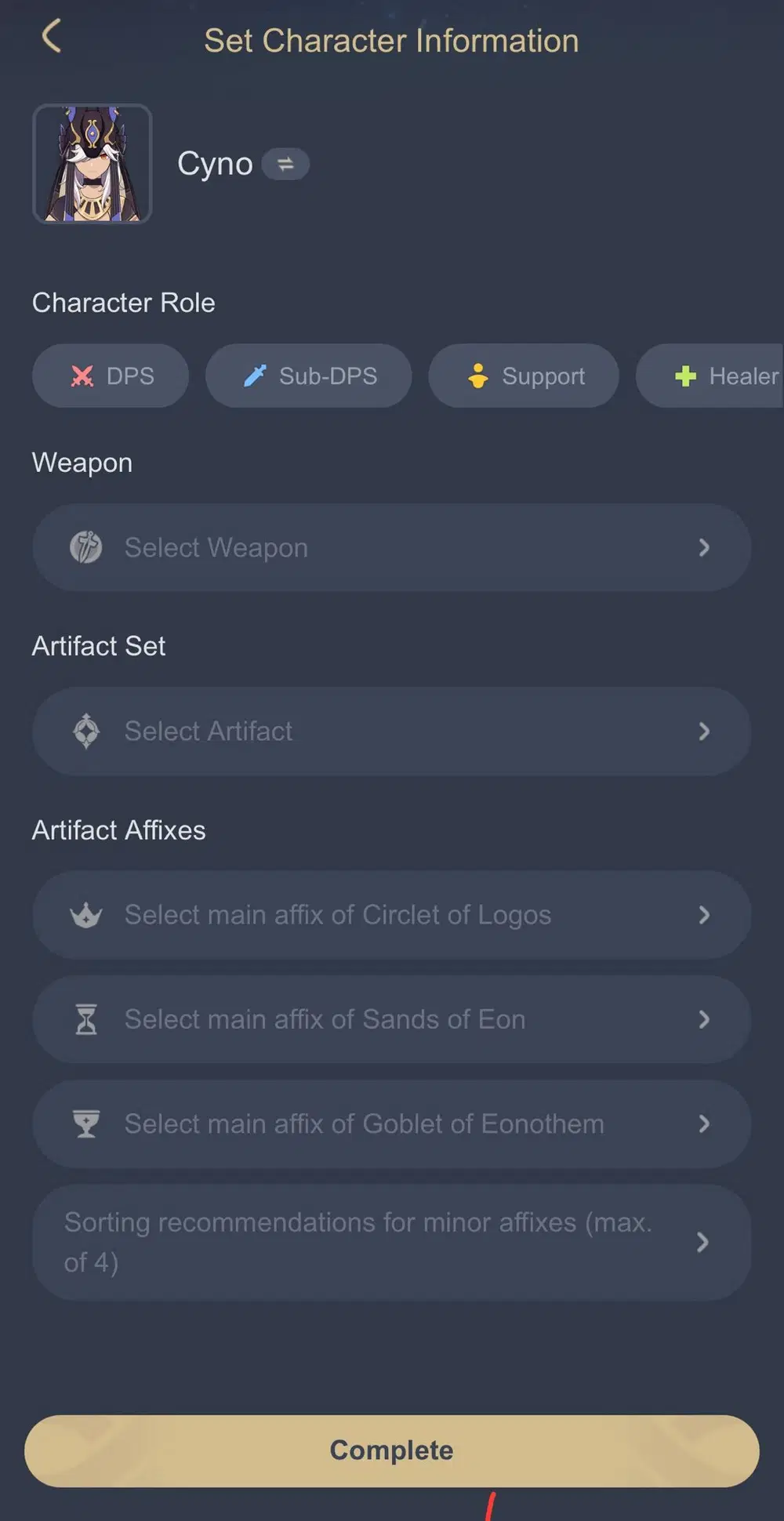
When adding a character, you need to select the corresponding character's role, weapon, artifact set, and artifact attributes.
(4) After editing the content, click "Next."
(5) After previewing and confirming that it is correct, click the "Publish" button below to finish publishing it!

2. Browsing Lineups
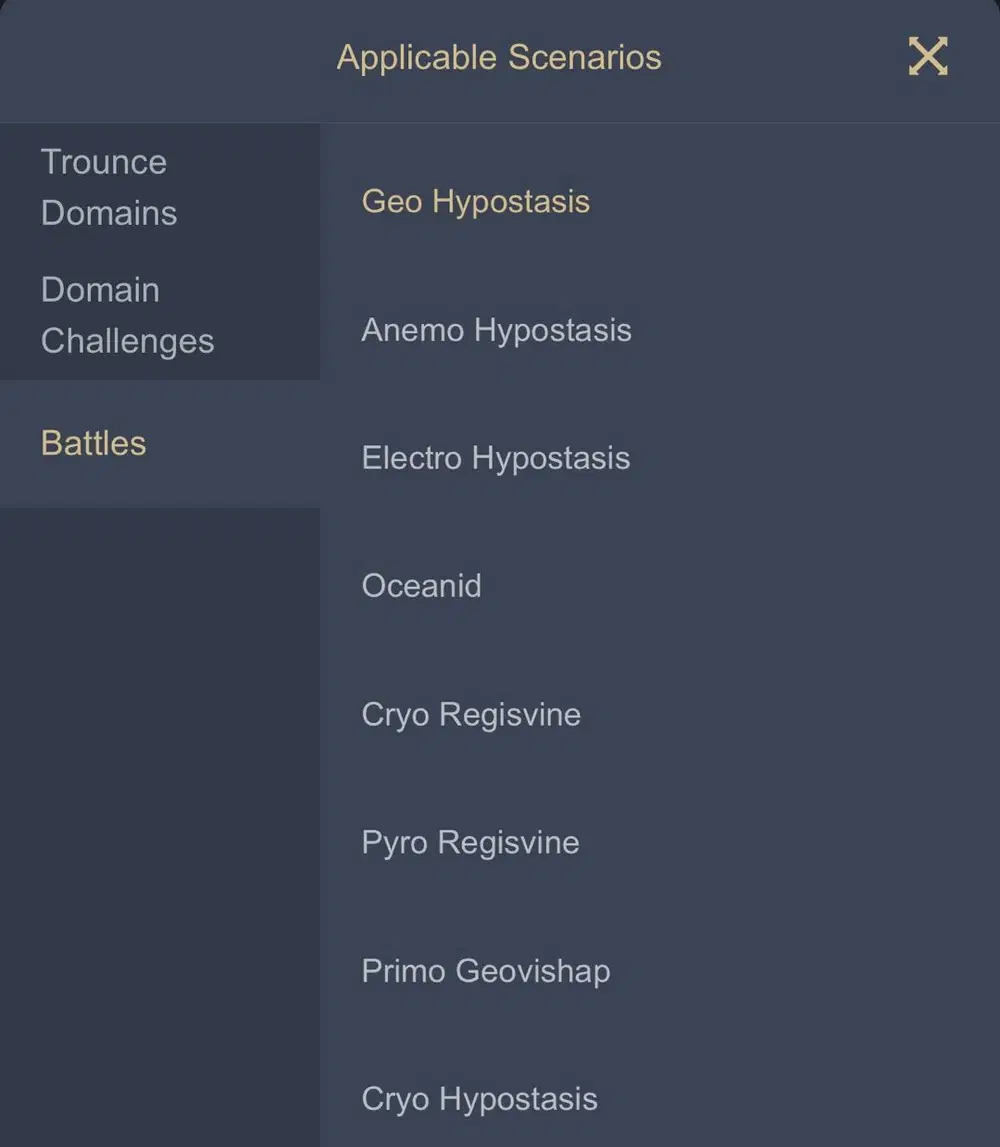
You can browse popular lineups directly in the Lineup Simulator. Click on the filters above to browse the lineups by scenarios and characters~

In the Lineup Details page, you can like, favorite, and comment on lineups posted by other Travelers. You can also save the current lineup as a picture by clicking the Share button~