Hello, friends of HoYoLAB!
We heard that HoYoLAB is a bit too big and overwhelming, and it's easy to get lost between its pages. Are you among those missing out on some of HoYoLAB's best features?
In the new Version 2.34 update, we have added a new community navigation module in everyone's Personal Homepage to make HoYoLAB more accessible.
Should you follow this guide and explore HoYoLAB, you can claim an exclusive avatar frame and background image. Let us all check out this new navigation module together!
This module is in beta and will be made available for all users progressively. Users who haven't yet encountered this module, fret not! We seek your patience in this matter~

New Navigation Module Design

(This image is merely an example and not indicative of the final version)
Right now, if you update to Version 2.34, you can see the new navigation module on the bottom-right of your HoYoLAB Personal Homepage!
Navigation Mechanics Overview
The navigation module will showcase four of HoYoLAB's top functions: Toolbox, Check-In, Guides, and outstanding Content Creators.
Next, we'll explain these four functions one after another along with where they are located. Let's follow Mimo and check where the best features on HoYoLAB are hidden!
Step 1. Check Your Toolbox!
HoYoLAB has prepared a powerful toolbox for its users!
To the bottom-left side of the second page, you can see all of HoYoverse's games in the "Interest Group" section.
You'll be able to see all the corresponding tools in the Toolbar once you select your favorite game at the top of the screen.

Every game has unique and useful tools, such as:
Genshin Impact's Lineup Simulator. Select the characters you already have and see how everyone forms their parties!
The interactive map of Honkai: Star Rail displaying all the treasure chests in the game. Follow the map and open the treasure chests one by one. Don't miss out on resources!
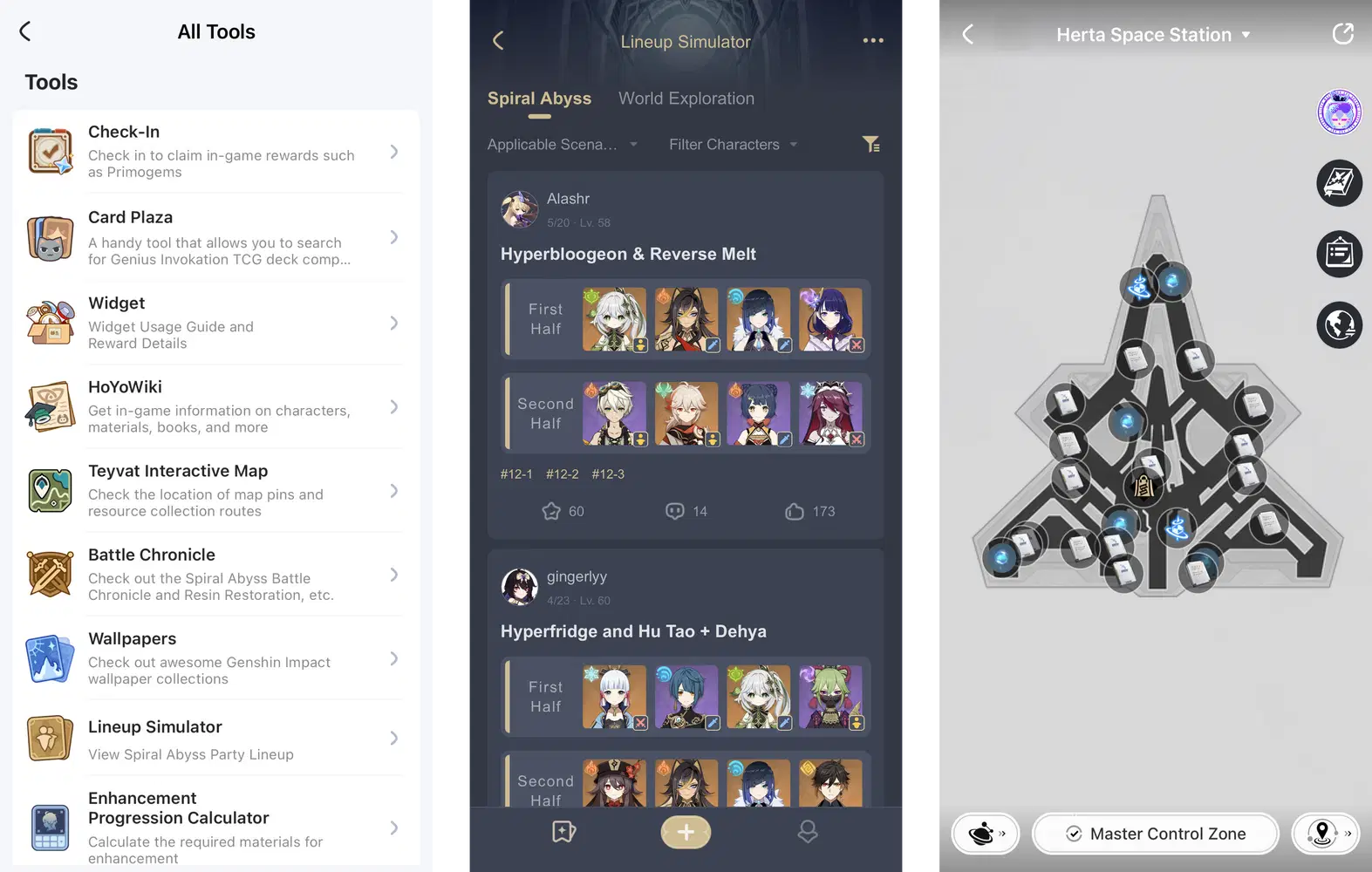
Aside from the aforementioned tools, there are still many other practical implements awaiting your discovery!
The Toolbox will irregularly update its various tools, so remember to check them from time to time~
Step 2. Complete Your Check-Ins!
Next to the Toolbox, another extremely popular feature on HoYoLAB is the Check-In Rewards function!
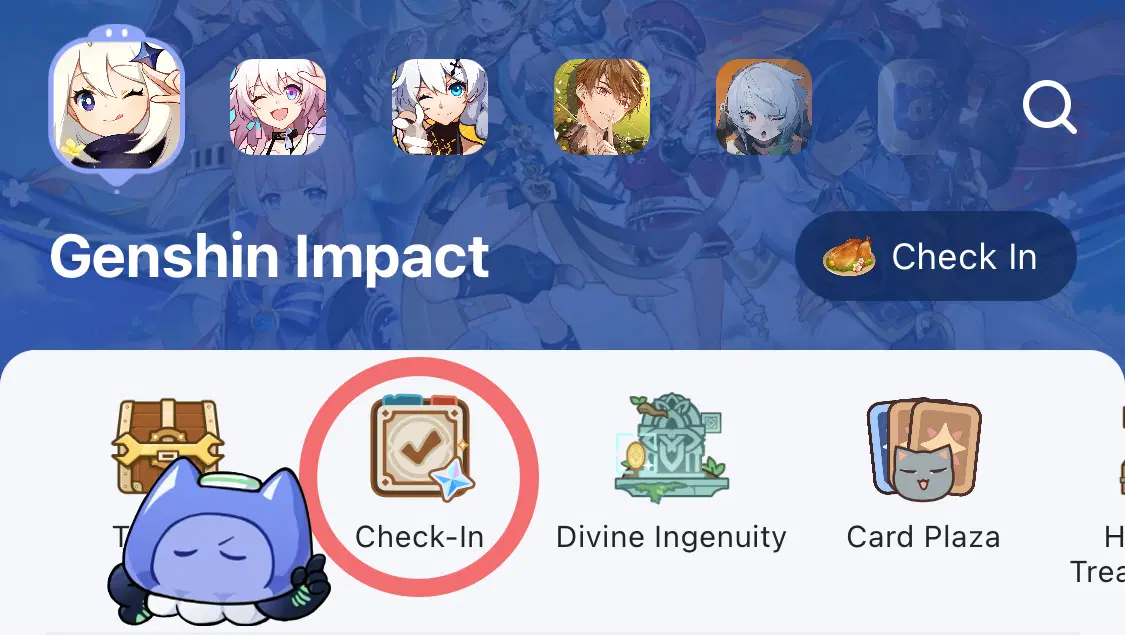
Press the Check-In icon to check in and claim great in-game rewards. Go have a look at what rewards your favorite game is offering!
Step 3. Go Through the Strategy Guides!
Have you ever stressed about how to distribute in-game resources or assemble teams from your existing characters?
Game-related discussion channels will be displayed beneath the Interest Group Toolbar.
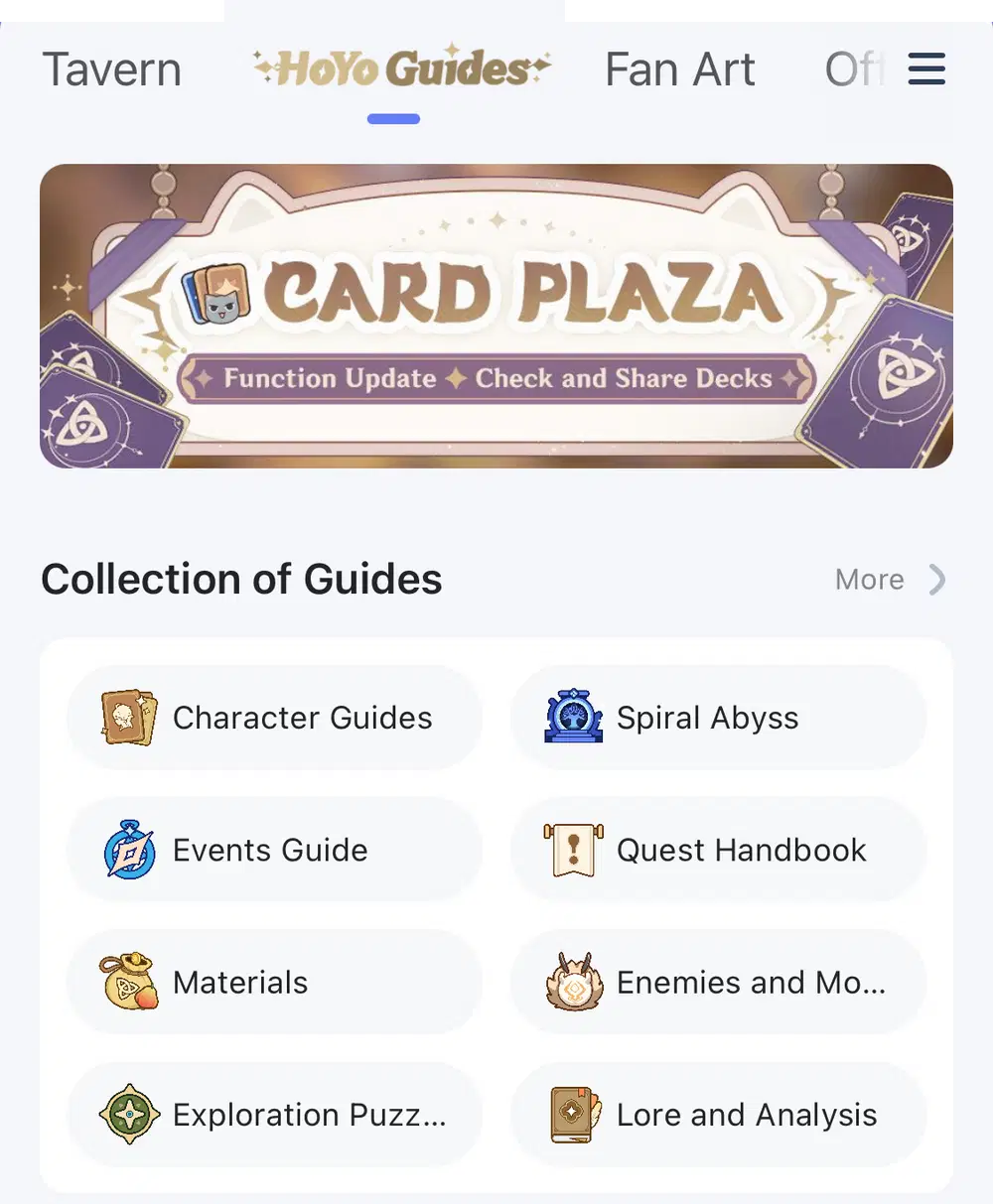
In the guide section, you will see intricately-created strategy guides made by our top Creators.
These strategy guides will allow you to explore the game with greater ease and prevent you from wasting any hard-won resources!
Step 4. Make Some Friends!
HoYoLAB hopes to provide everyone who enjoys HoYoverse's products a cozy and secure community to have their discussions.
Here, you can talk about your favorite in-games with fellow players who enjoy HoYoverse's games!
These are the most active users in the community, and they will be the first people you'll get to know in these discussions.
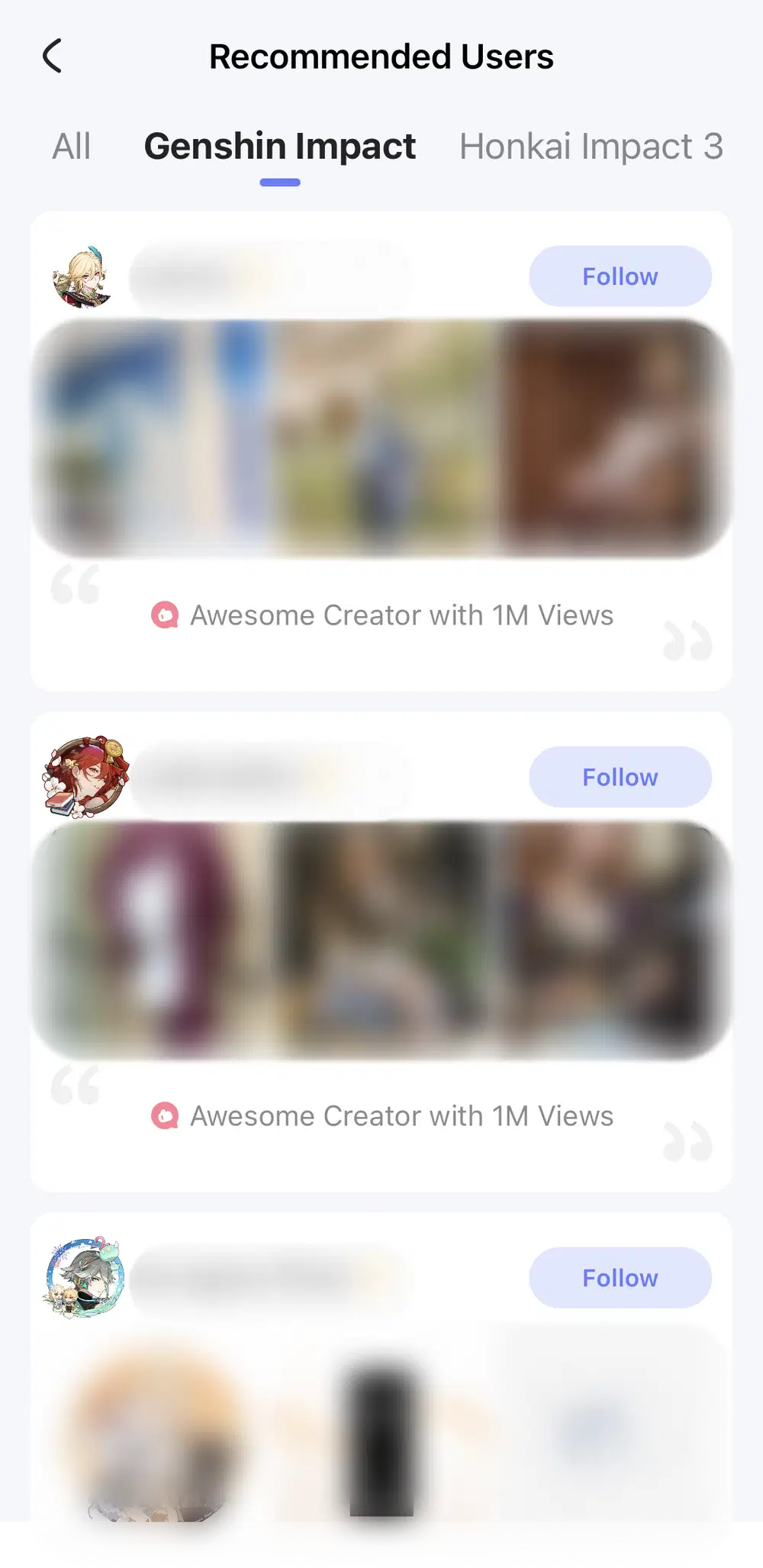
Follow them to add more spice to your homepage!
After completing the four steps listed above, you'll count as a new member of HoYoLAB. As a reward for your exploratory efforts, we will give you:
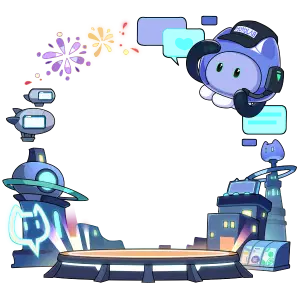
Navigator Avatar Frame (Permanent)

Navigator Background Image (Permanent)
Remember to claim your rewards from the system message and apply the aesthetic changes to your Personal Homepage!
Note
1. Rewards will be automatically sent out through system messages. Please enable Reward Notifications to receive the system messages.
2. You will need to update the HoYoLAB App to Version 2.34 to experience the navigation function.