UID: 600692848
Hello,
Genshin Impact only saves roll history for up to 6 month, and it has almost been 6 month since the game came out. So this Guide is for people who wants to save and export their roll history to another program such as excel.
Things Needed:
- Any Program capable of opening .zip files. (I recommend WinRAR or 7zip)
- Genshin-Wish-Export.zip
Genshin-Wish-Export.zip:
There is two version of this program, one for Chinese and one for English
- Chinese Release (Credit to Biuuu)
https://github.com/biuuu/genshin-wish-export/releases
- English Translated (Credit to Takagg for translation)
https://github.com/takagg/genshin-gacha-export/releases
Setup:
Step 1
First choose the language you want, and click on the latest release .zip file to download.
For Chinese build, it will be genshin-wish-export.zip

For the English build, it will be Genshin.Wish.Export-0.6.4-win.zip (as of Mar 19, 2020)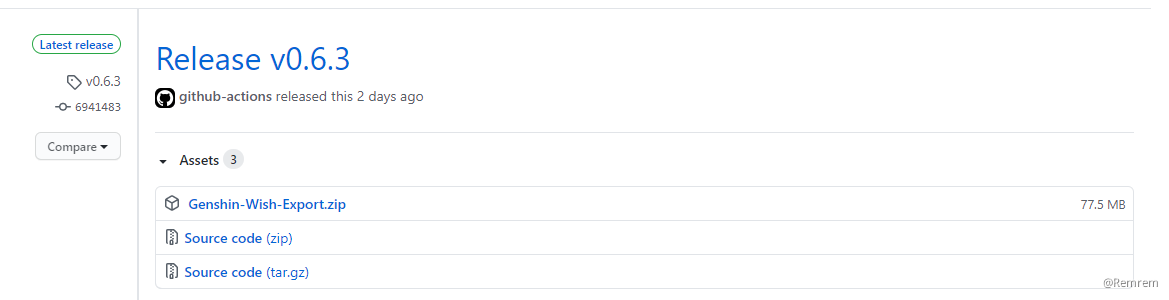
Step 2
Once you have downloaded the zip file, create a new folder and place the zip file inside.
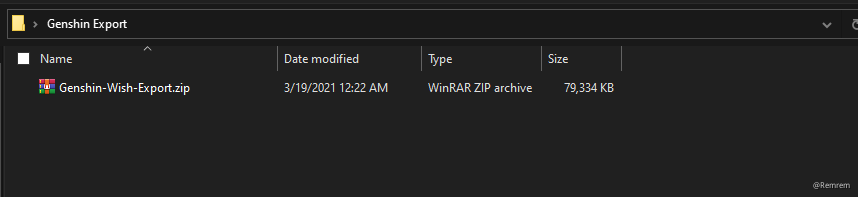
Now right click the zip file and click "extract here". All the files would be extracted to this folder.

Step 3
Open your Genshin Impact game and go to your roll history in the wish tab.

You should be at this Page.

Step 4
Open Genshin Wish Export.exe in the folder.
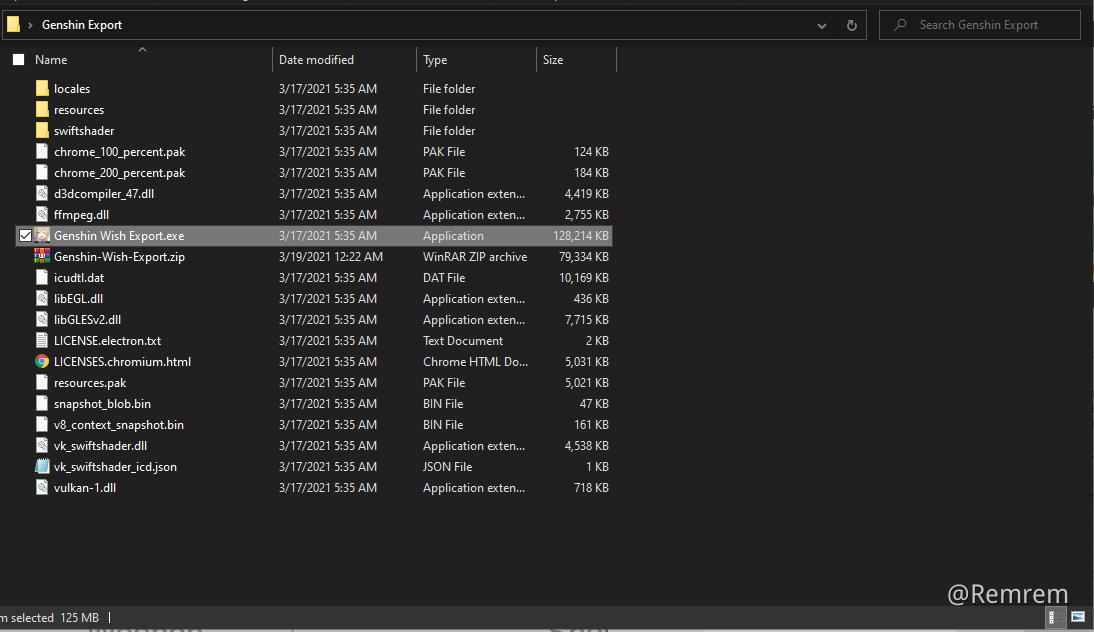
Now click on the blue button "update data". (While keeping the wish history screen opened)

The program will now automatedly scan your wish history.
When the program is done scanning, it will show you data on your past rolls.
If you want to export all your rolls to excel, click the Green Button.
That's all! If you ever need to update your data, just open the program and click update while in the history screen.