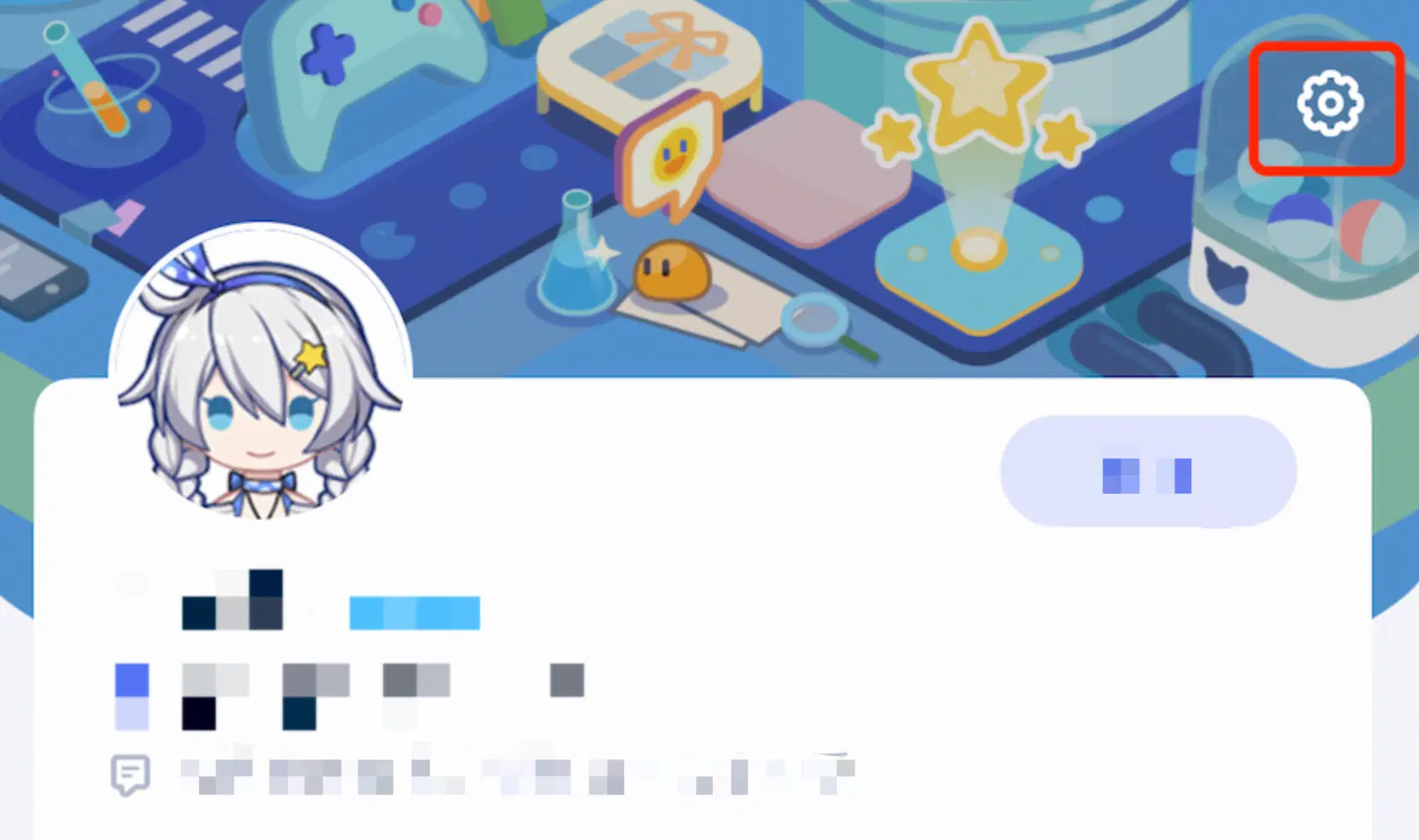
For Proxies who win merchandise or other physical rewards, follow these steps to fill in your delivery address~
[On PC]
1. Click on your avatar in the upper right corner and click on "Information Management" in the menu that appears.
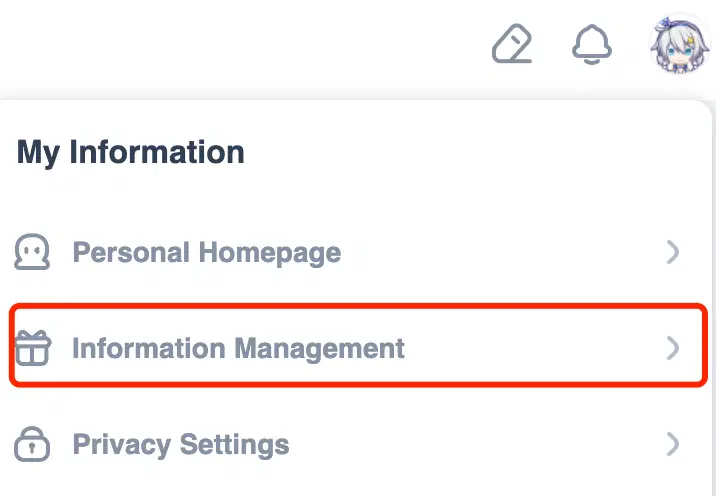
2. Click "Delivery Address Management".
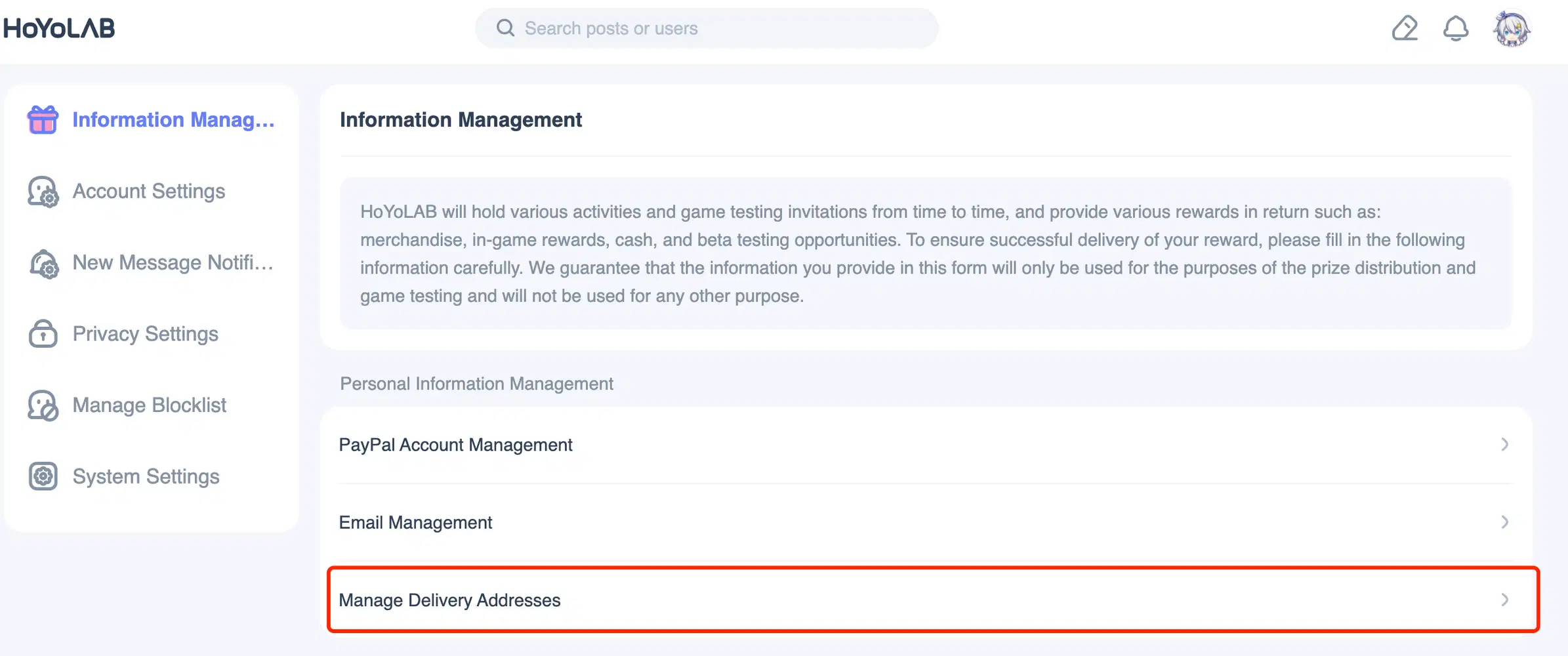
3. In the list that appears, click on the corresponding event awaiting a delivery address.
Notes:
(1) The corresponding address form of the event will not appear until after a prize has been won.
(2) As address data is stored only temporarily, each time a prize is awarded, you will be required to fill in a delivery address.
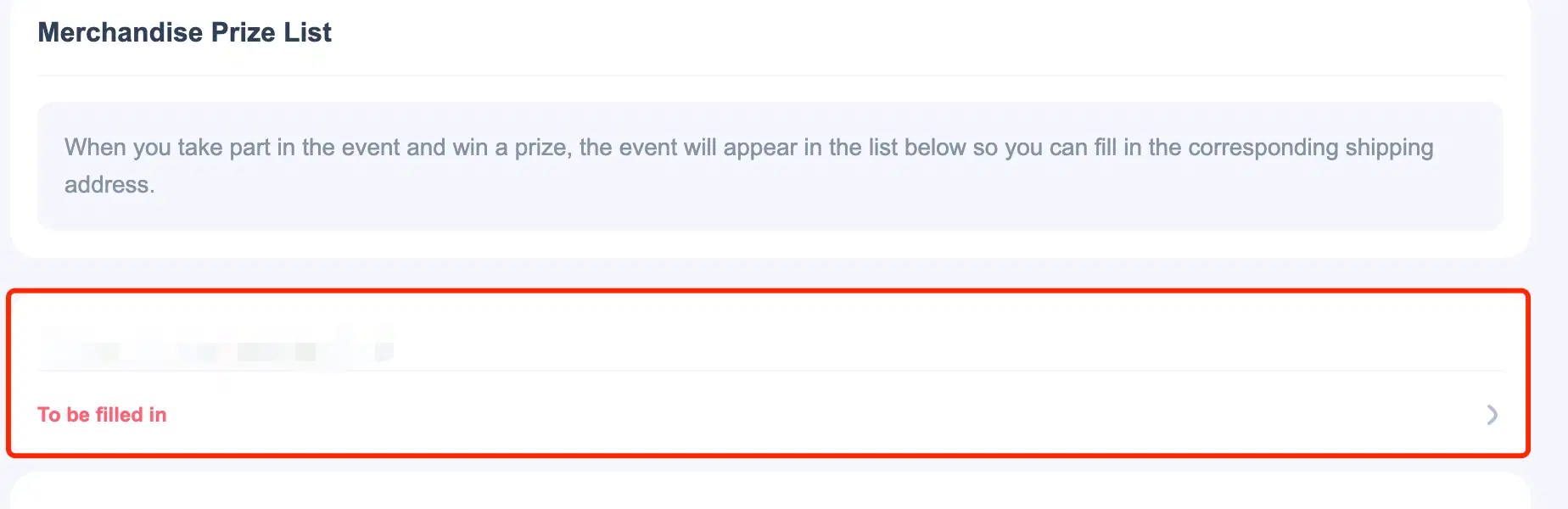
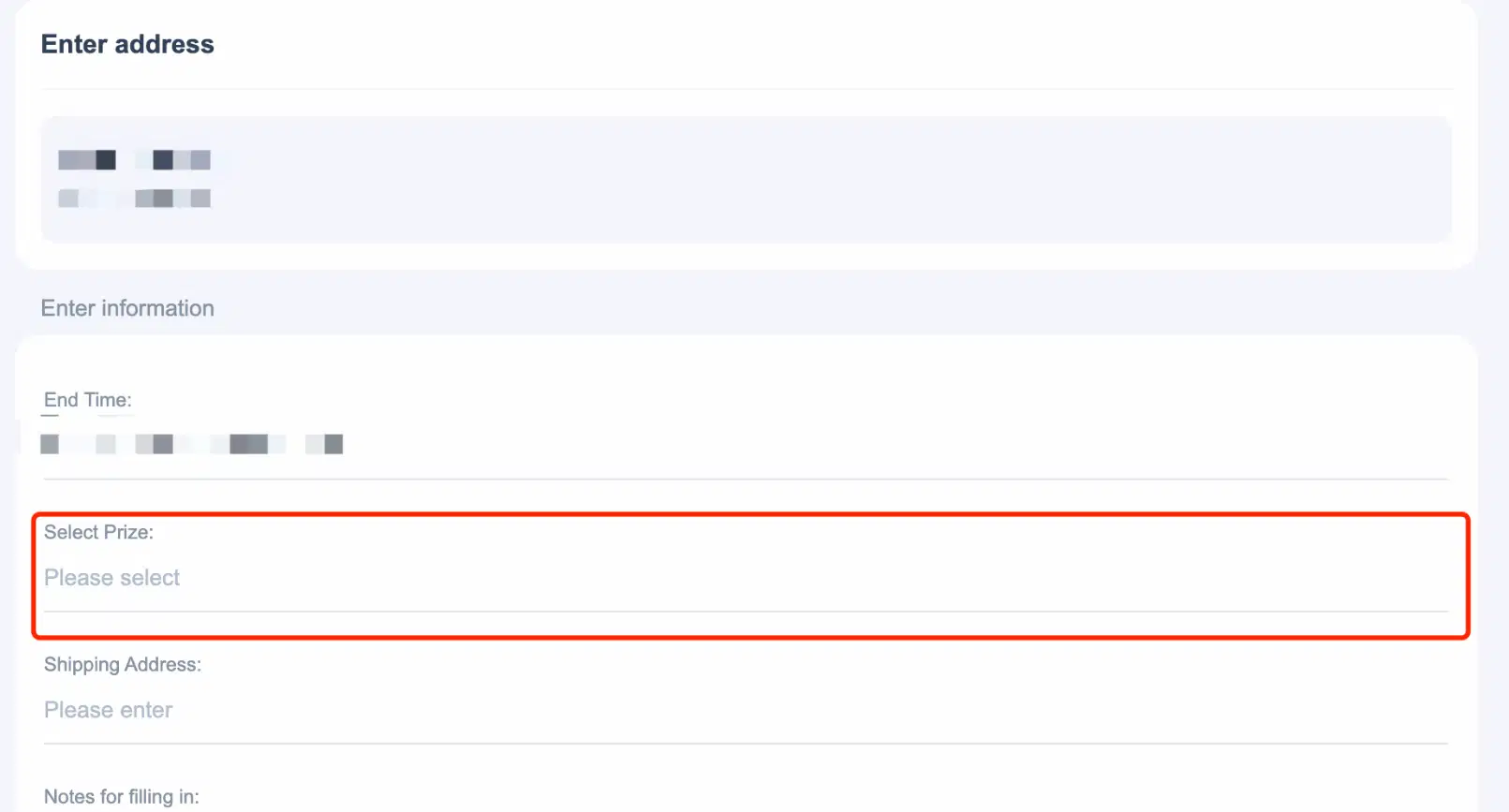
4. When entering an address, if the event prize involves user selection, the choice can be made by clicking "Select Prize". (You can skip this step if it is a fixed prize)
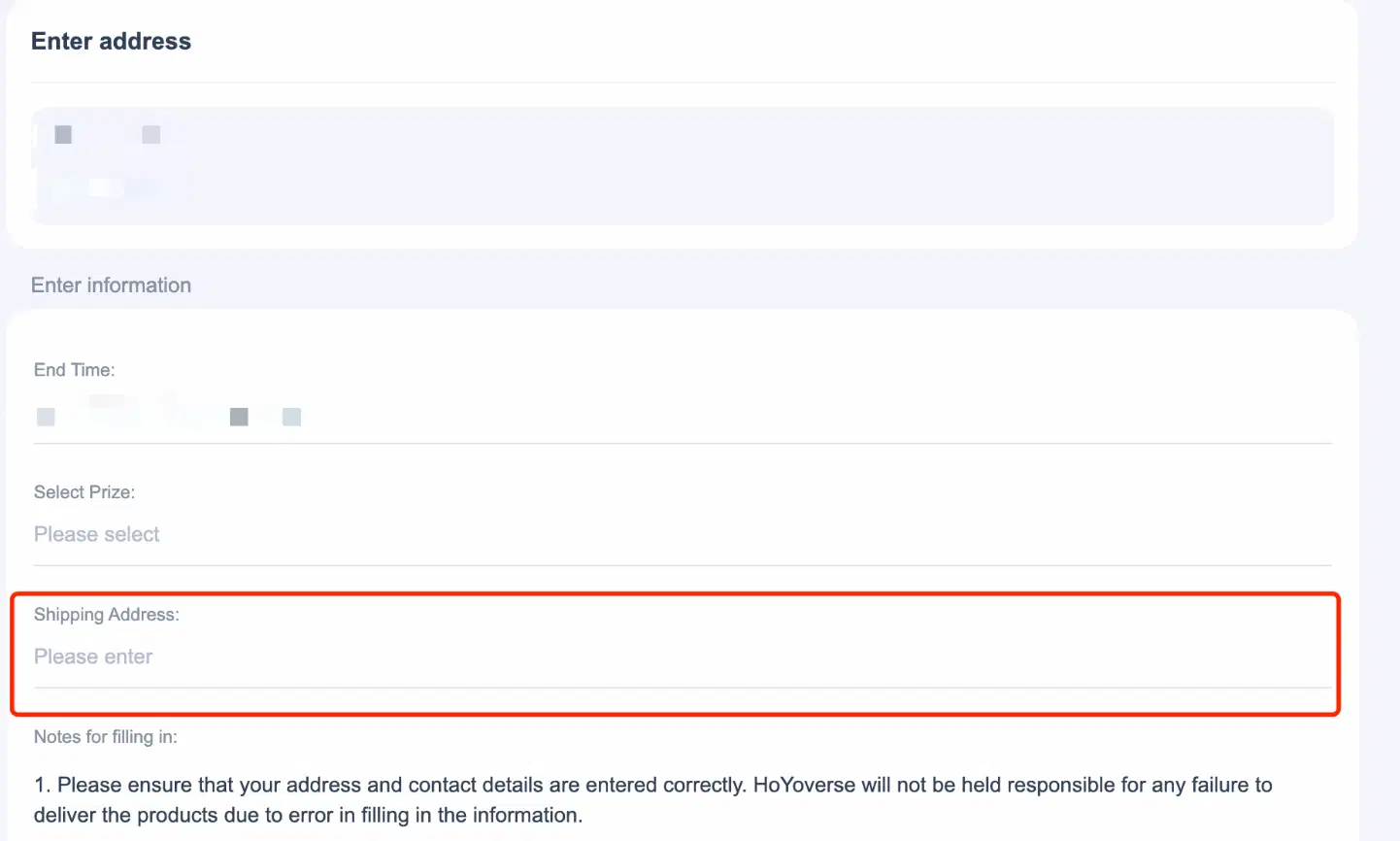
5. Click on "Shipping Address" and follow the prompts to fill in your address in the pop-up window. (We recommend to write the address in English to ensure successful delivery)
6. Click "Submit" in the lower right corner after adding an address.

[On Mobile]
When using the app, tap [Settings] - [Information Management] - [Delivery Address Management] in the upper right corner of the personal center, and fill in your the same way as on PC.