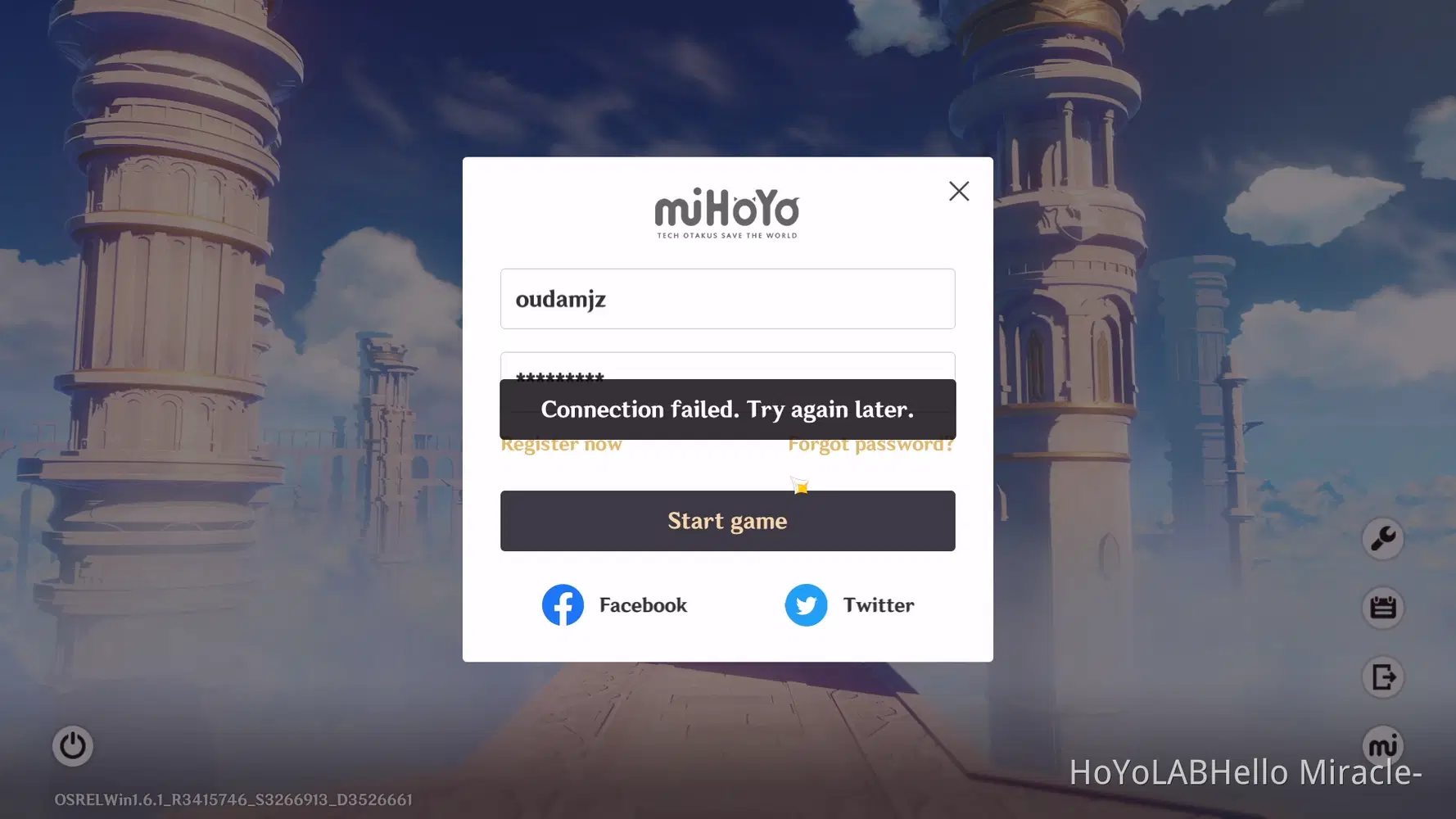

⚠️ This error happens frequently because of several reasons :
❗️ Your modem/router was accidentally configured to blacklist/block Login Server IP or The
Modem/Router highly load for CPU and Memory usage leads it to stuck/freeze.
For example :
Asia: 47.91.24.239
Another Asia (??): 8.209.245.30
NA: 47.252.29.148
EU: 8.209.112.253
And your login server is ASIA and those IP addresses have been blocked for connecting/ping.
❗️❗️ Genshin Impact was blocked by your PC Firewall/Anti-V. So, the game cannot connect to game
server as well.
❗️❗️❗️ Your internet service provider (ISP) setup policy to block particular IP addresses from accessing
according to Government New Rules / Their Company Internal Rules.
For example :
all China ISPs block clients from accessing to Facebook website.
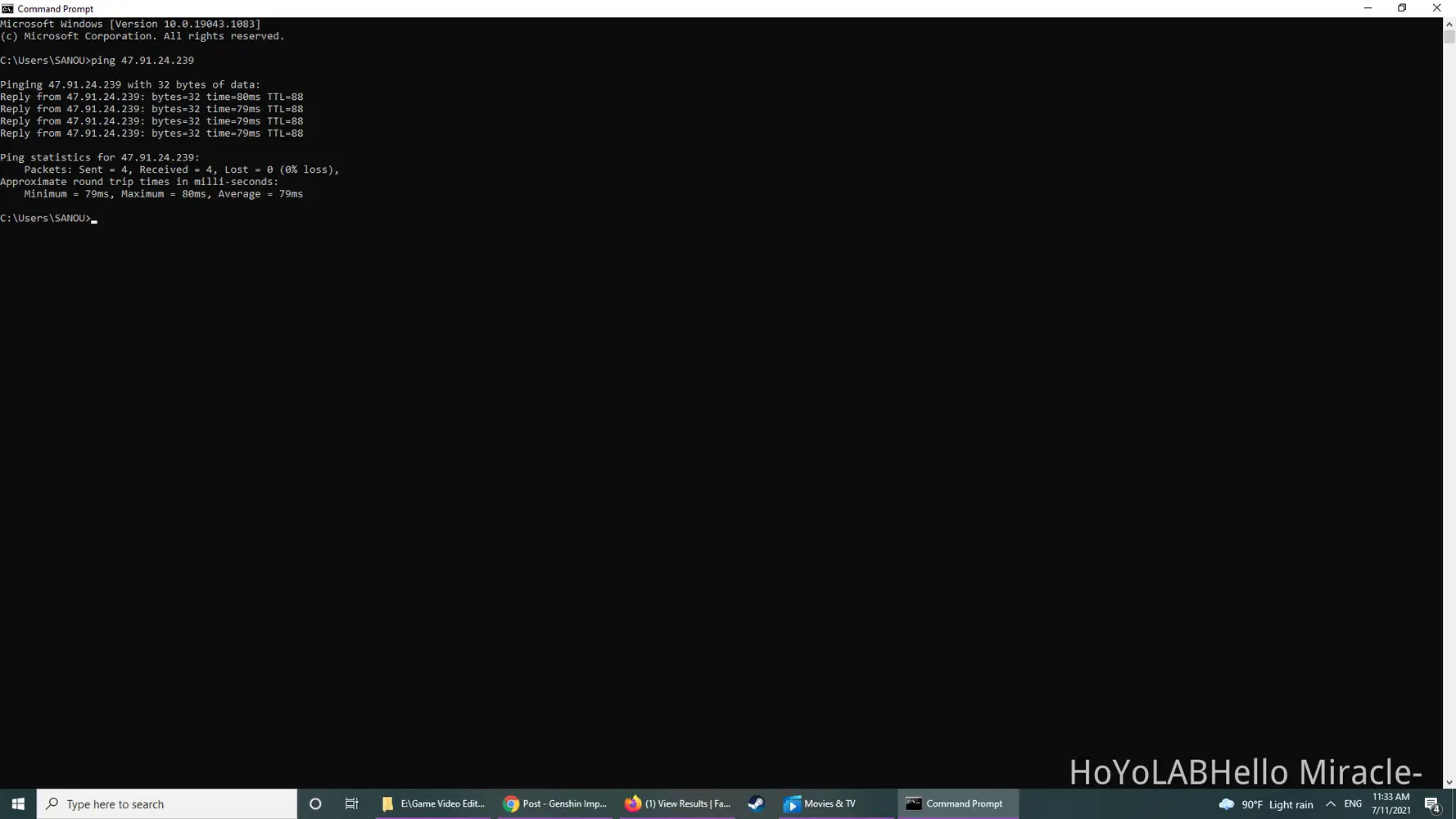
And you test it by open Windows Key + R -> Command Prompt (Black Screen) -> Type Ping your Login
Server IP like Ping 47.91.24.239 and Press enter key.
If The IPs is blocked from accessing -> You will see Request Time Out
If it's ok , it's shown as below picture.

✔️Restore your modem/router to previous good configuration and restart it.
(If you didn't backup, just restart it)
✔️Add Genshin Impact Launcher into your PC Firewall and Allow FULL-PERMISSION in Anti-V
✔️Run Genshin Impact Launcher as Adm..istrator
📣If above solution still does not fix your issue, try below temporary solution with video step-by-step📣

If you have any questions,
please comment hoyolab or DM me at Discord H-Miracle#7602.
please messenger or find me at Facebook Page https://www.facebook.com/Hello.Miracle.Genshin.Impact
please subscribe or find my youtube https://www.youtube.com/channel/UCPHgbU8kv9LwW47Poh2tWAg
I will try to answer it as best as I can! ❤
GoodLuck on Kazuha Banner,
See ya
[emoji]