Dear all,
In "Becoming a Cosplayer (Part I)", Babs shared how she started her cosplay journey and what she learned during the process, which really impressed us! Today, Babs will bring more useful tips for cosplayers, so let's hear her out!

Props
I would say the easiest and most accurate method of prop making would be 3D print. While the cost is larger, recently 3D printers are becoming more affordable and we can see more and more cosplayers using them.
If buying a 3D printer seems like a big step you can also search for people selling printed models!
Here are some props I made using a 3D printer.
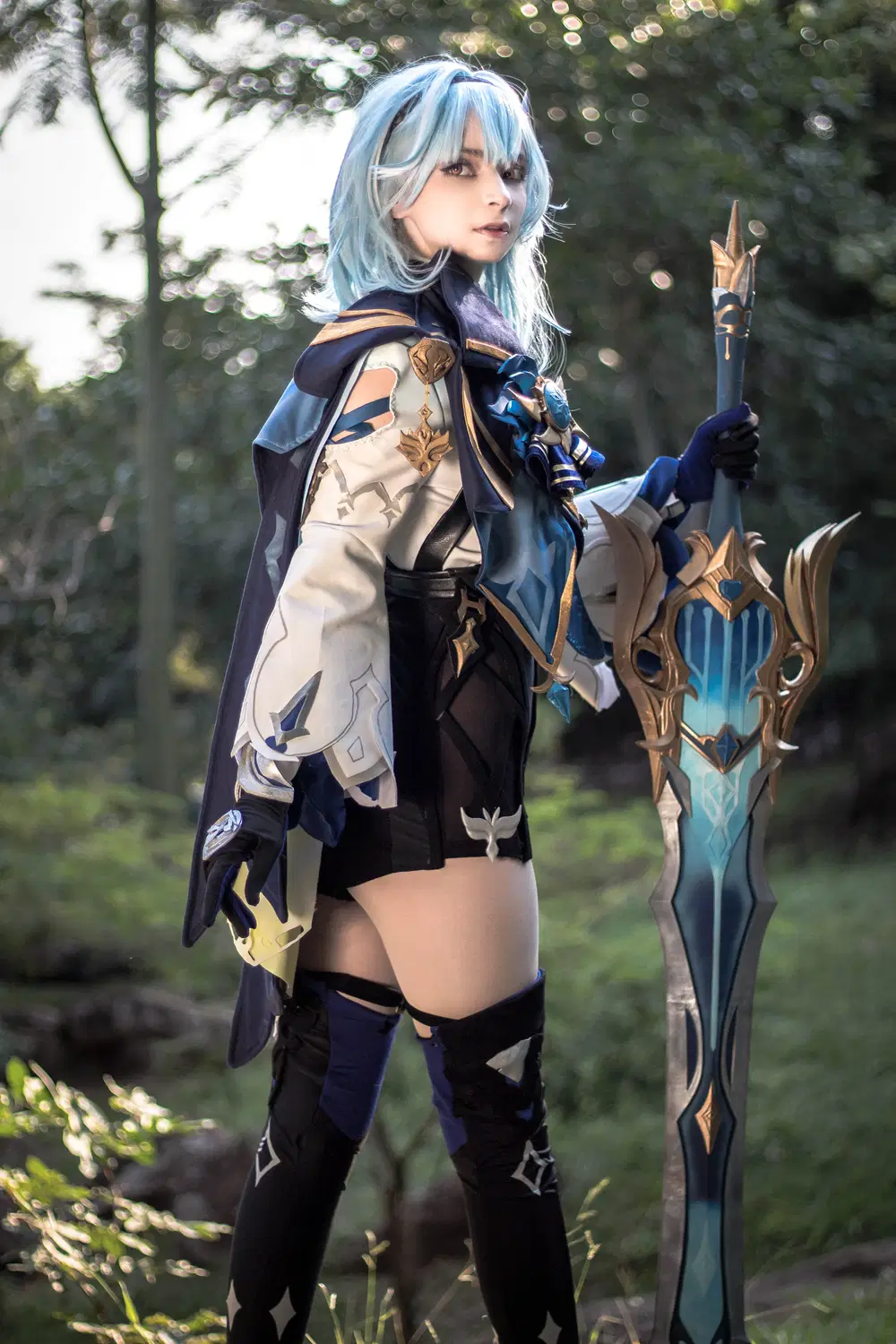
Eula's Song of Broken Pines


Hu Tao's Staff of Homa
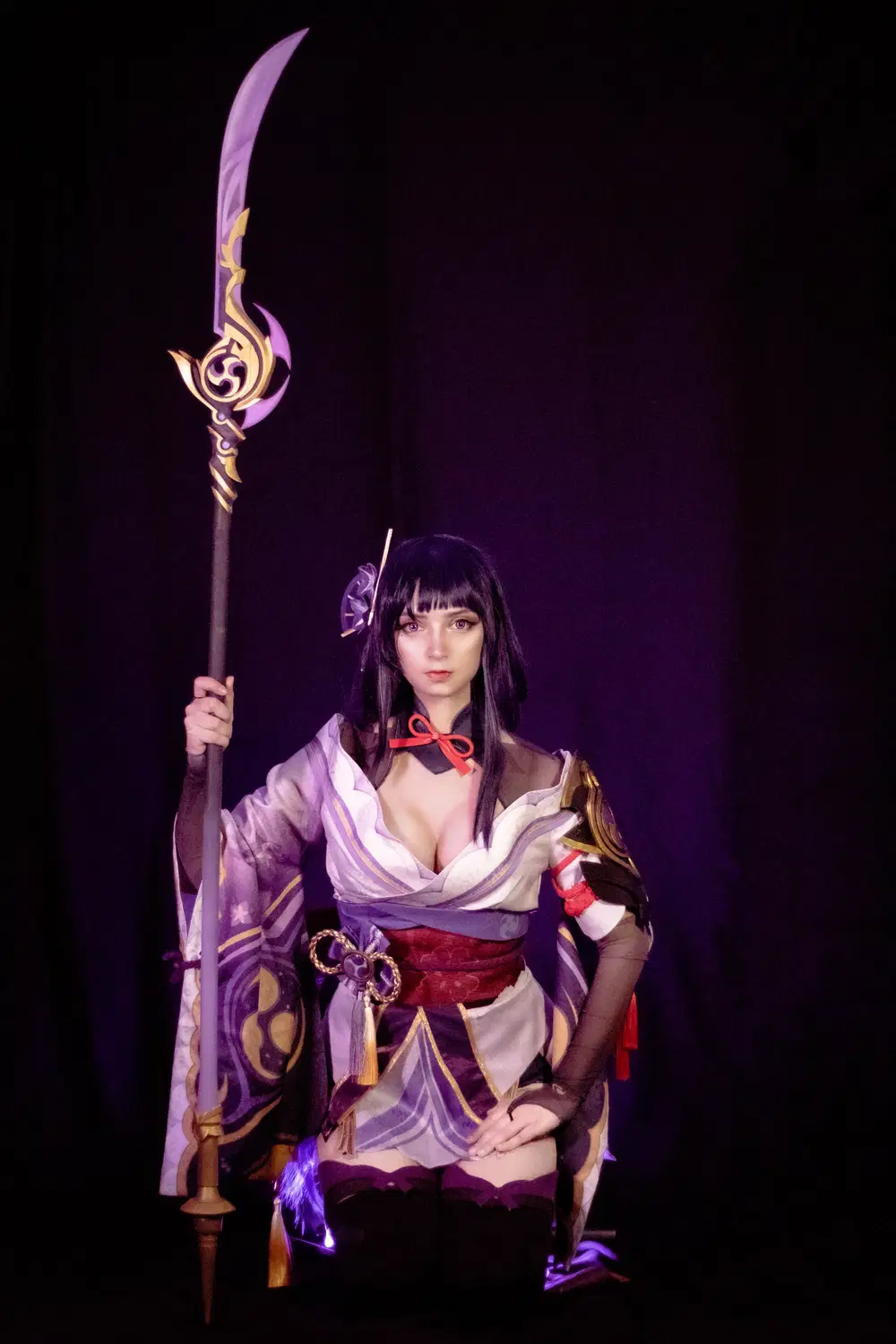
Raiden's Engulfing Lightning

Yoimiya's Hamayumi Bow
Makeup
Makeup plays a powerful role in making you look like your character. Changing the color of your eyebrows, or even making them disappear althogether, etc. Learning how to properly do a cosplay makeup is a challenge!
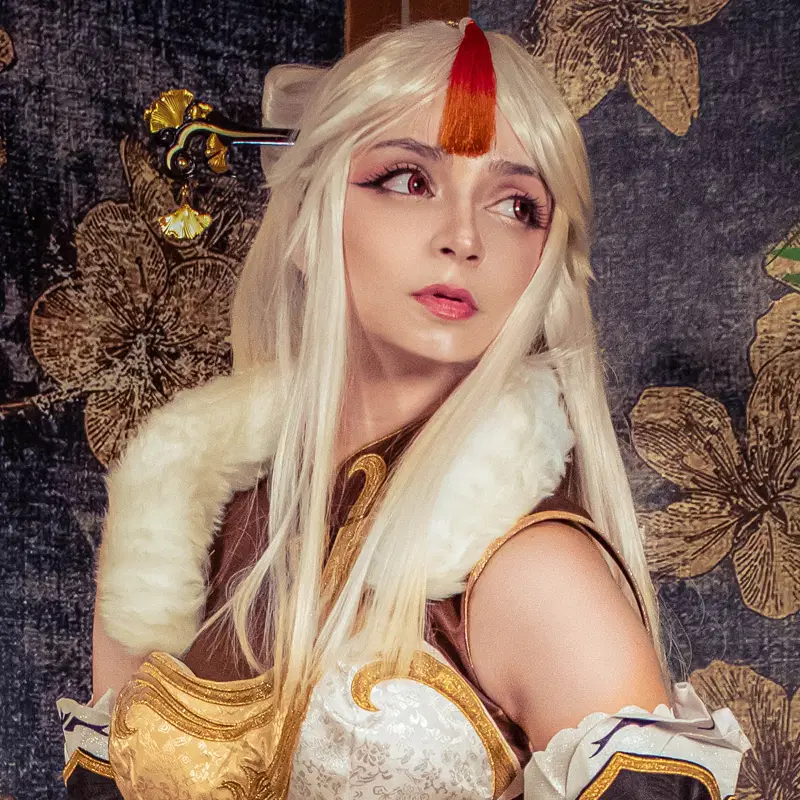
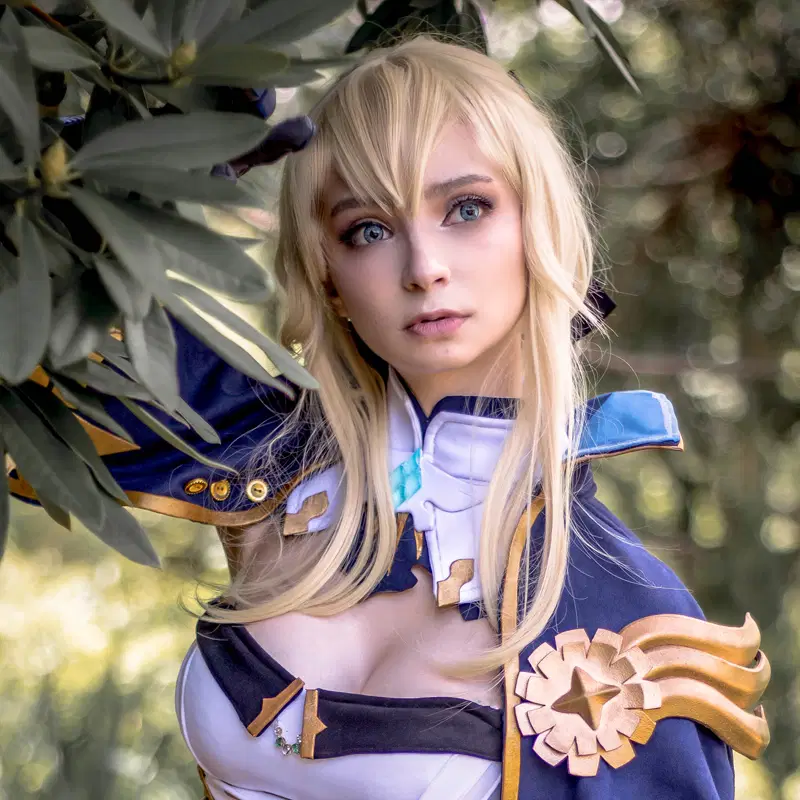
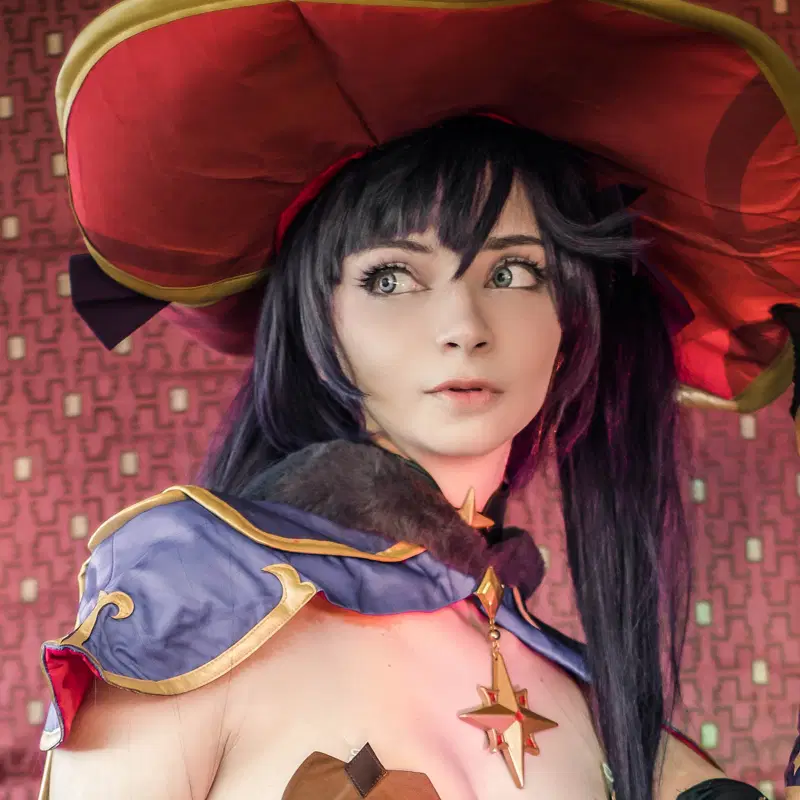
Study the character! See which colors match their look, their design might even already have makeup like many Genshin characters do!
Study the faces of the characters! A lot of Genshin Impact characters already have makeup, check closely which colors will match their looks at best.
Photography
While a lot of people like cosplaying mainly for events and conventions, there are many cosplayers just for taking photos or doing a photoshoot with their final projects! You can go ahead and hire a professional photographer for that, or just do it at home with your phone!
A clear background, some lighting and a tripod can already be a set up for an amazing photo, or you can even take fun selfies, I always love taking them!
If you are having a photoshoot, there are many places you can go for photos. Take my Genshin cosplays for example, I almost always take them at parks or areas with lots of green that remind me of Teyvat. Just remember to check about rules and permits for taking photos at the place you choose!
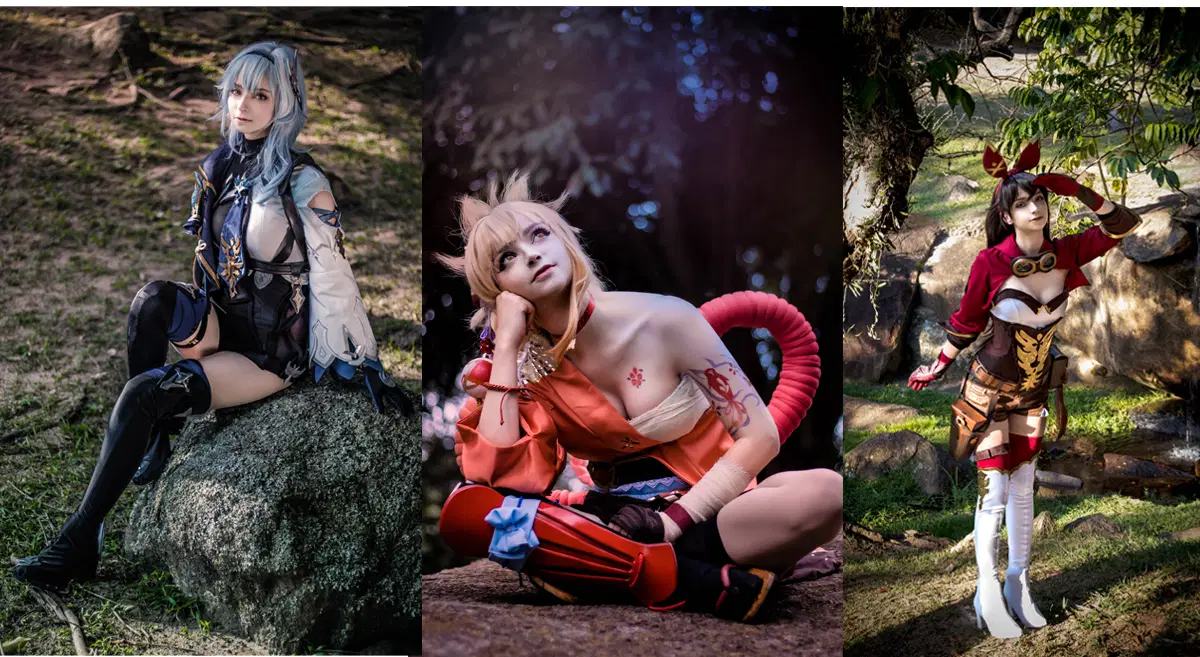
These three photos were taken in the same location!
If you can't find a location, you can always use your home! Getting some black fabric to use it as a clar backdrop can really make a difference. I used this method on these photoshoots.
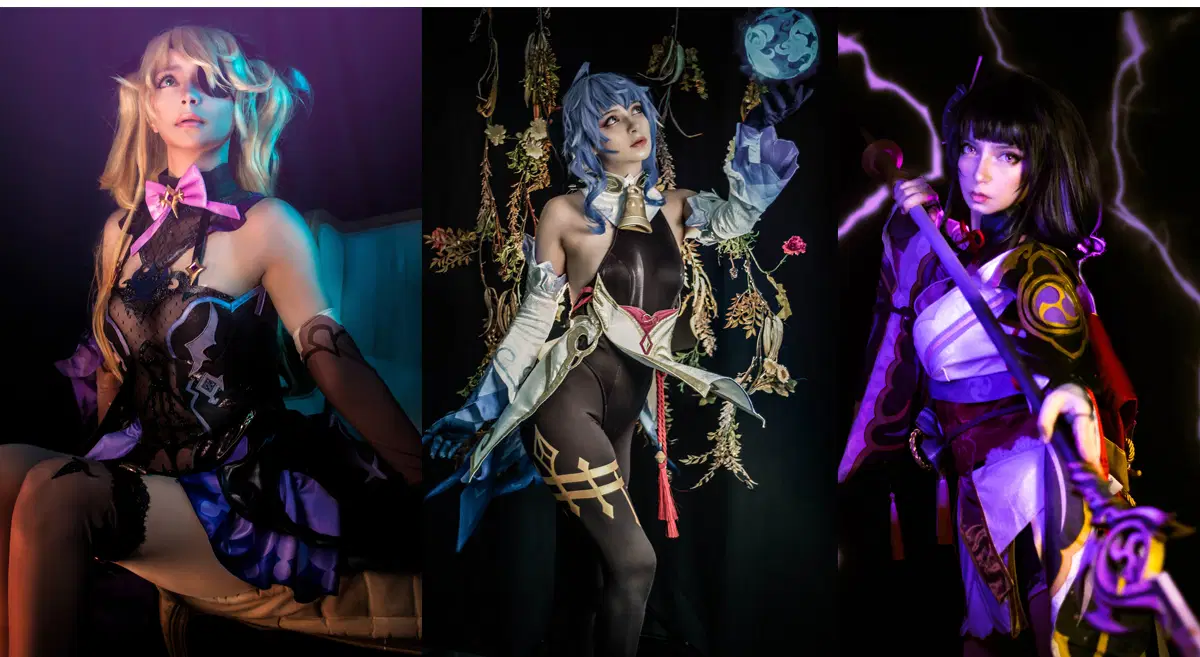
Another option is to build a set on your home. This is a little more troublesome but the results are well worth it.

Photo & editing
Image editing will make your photos more refined! You can change your eye color, add effects, add details, fix some errors, etc. It really depends on your level of skills! I am no photoshop expert, but I do know a little which were learned from tutorials online, and I'm still learning! Don't be afraid to get started and learn new things I'm sure you'll be impressed with yourself!
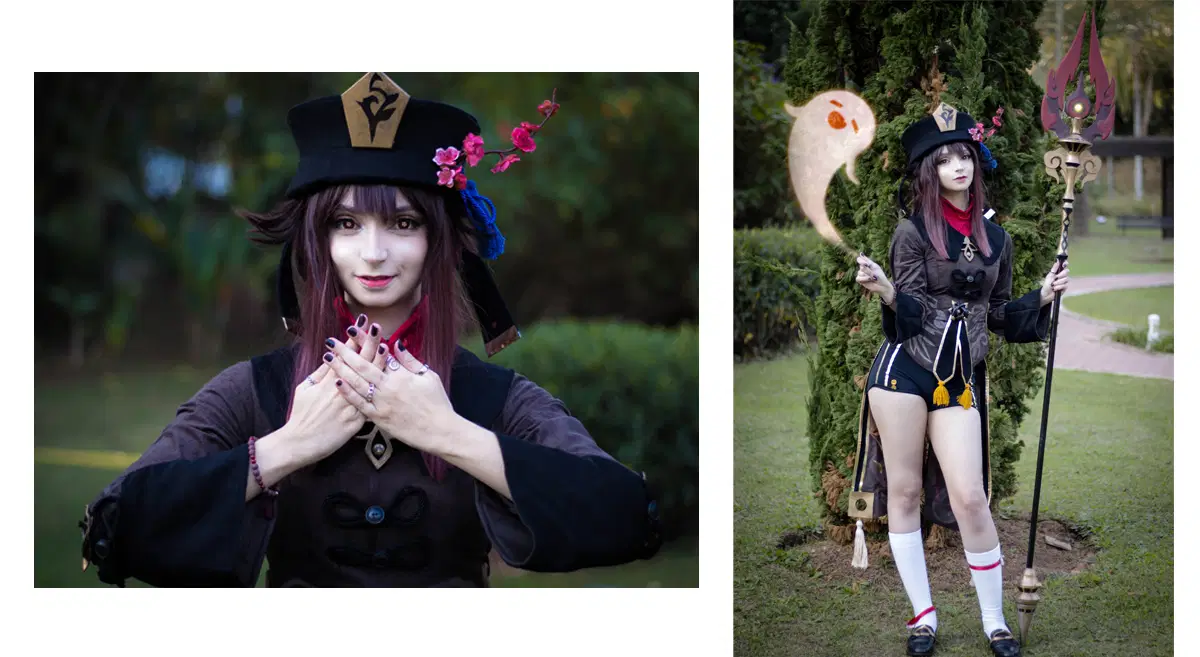
The Hu Tao cosplay photos is one I have the most fun doing image editing! Not only I got to add Boo Tao and also added effect on my eyes! My contacts were regular red ones, so I added little flowers with photoshop everytime!
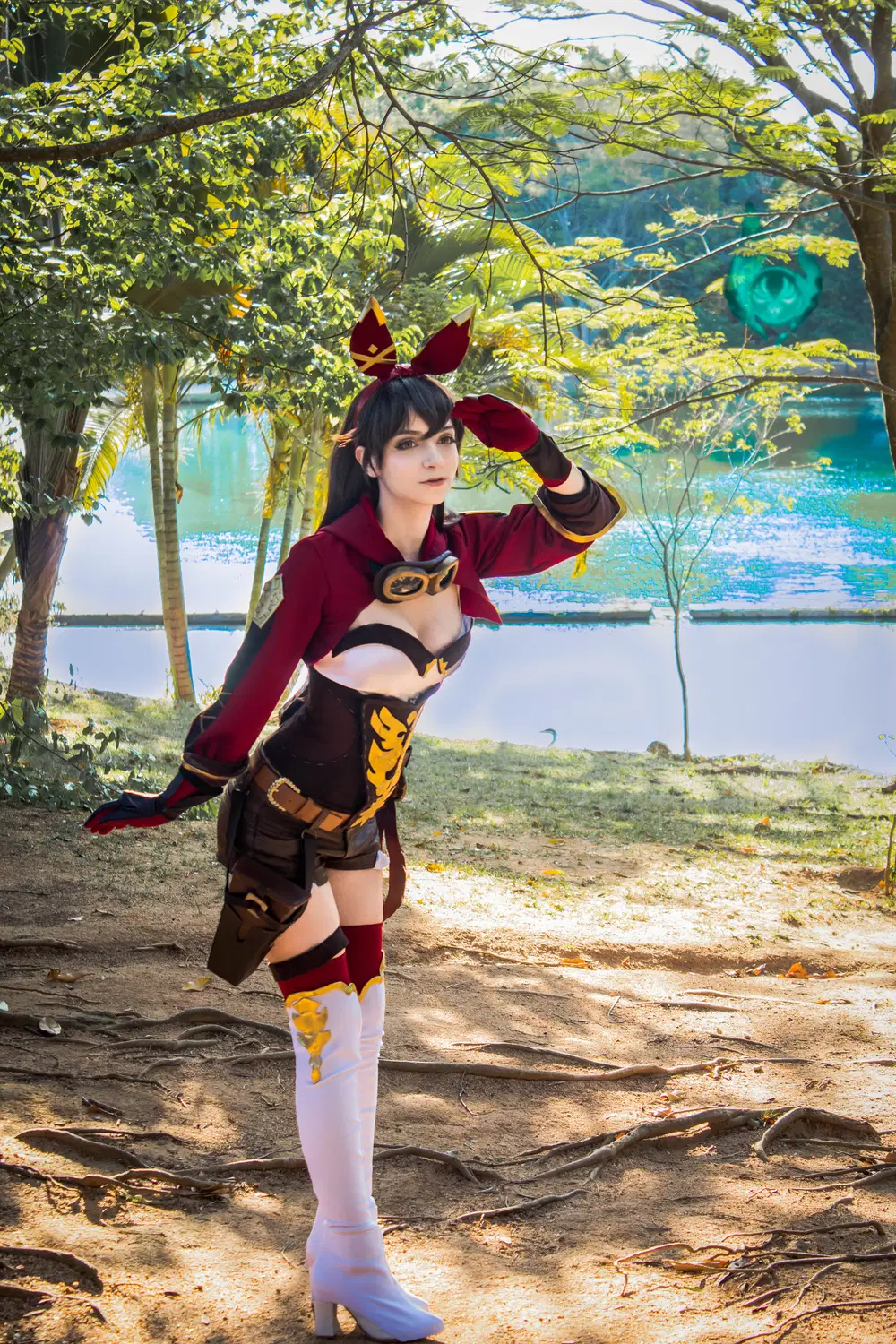
This Amber photo has a little anemoculus as an easter egg. Since I at the time was hunting them like crazy in the game, I thought it would be a fun addition.
Thank you!
I really hope I'm able to help, even if in a small way, you complete a cosplay project you have in mind.
Never forget no matter which way you make it, what is really important is that you have fun and meet new amazing people!
Cosplay opened an entire new world for me! Dont' compare your work with others, everyone has their own methods, their speed and ways of making things!
We ALL start somewhere, and we can always improve if we want to!
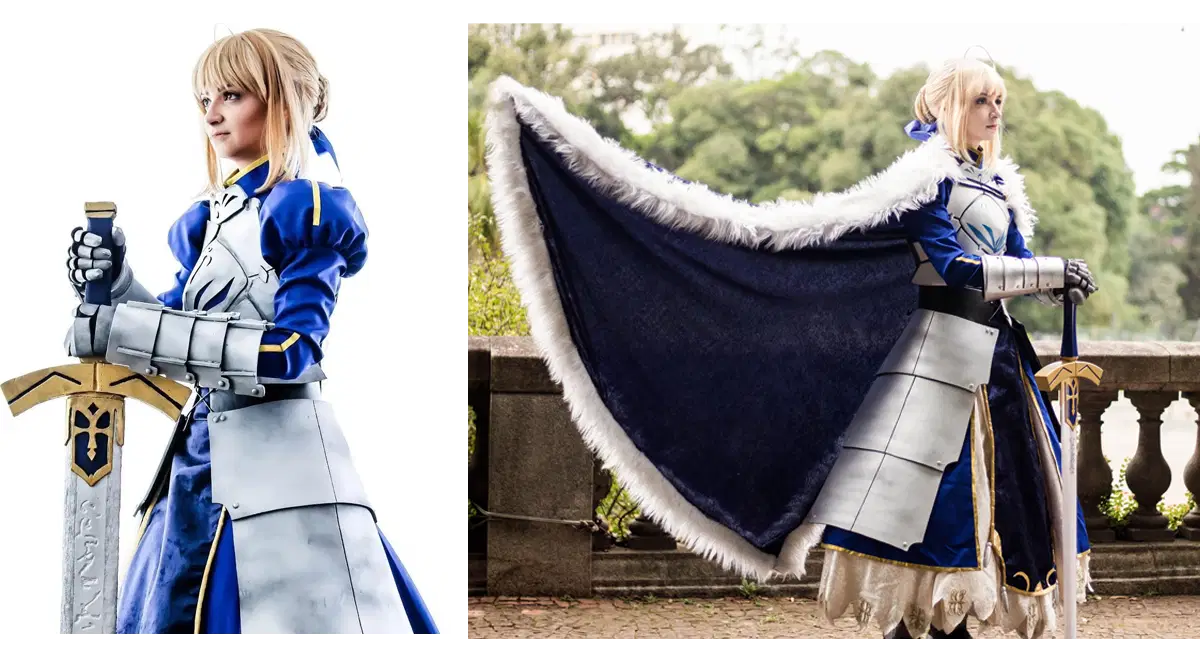
In the end I leave you with two photos of my Saber cosplay, and you can see the changes in these two years. I hope this guide helps you and you like it!!
That's all for today's Creator's Classroom. Hope you find it useful!
What would you like to see in our next Creator's Classroom? Drop a comment and tell us about it!
If you have any thoughts on Creator's Classroom, you can leave your feedback here:
>>LINK<<
*All creators need to pay attention to the authenticity of information while visiting a third-party platform. HoYoLAB takes no responsibility and assumes no liability for any issues that might arise from such circumstances.